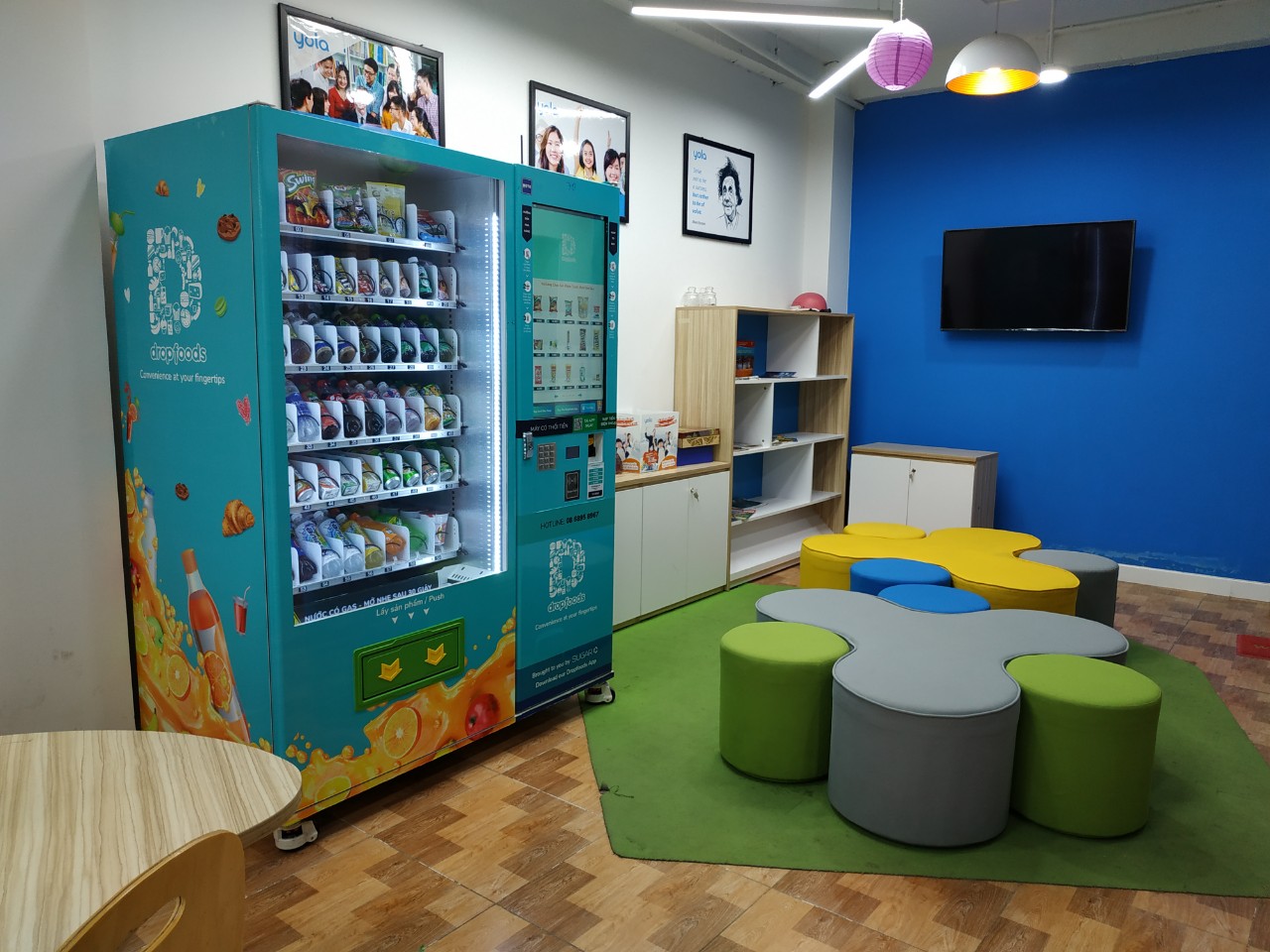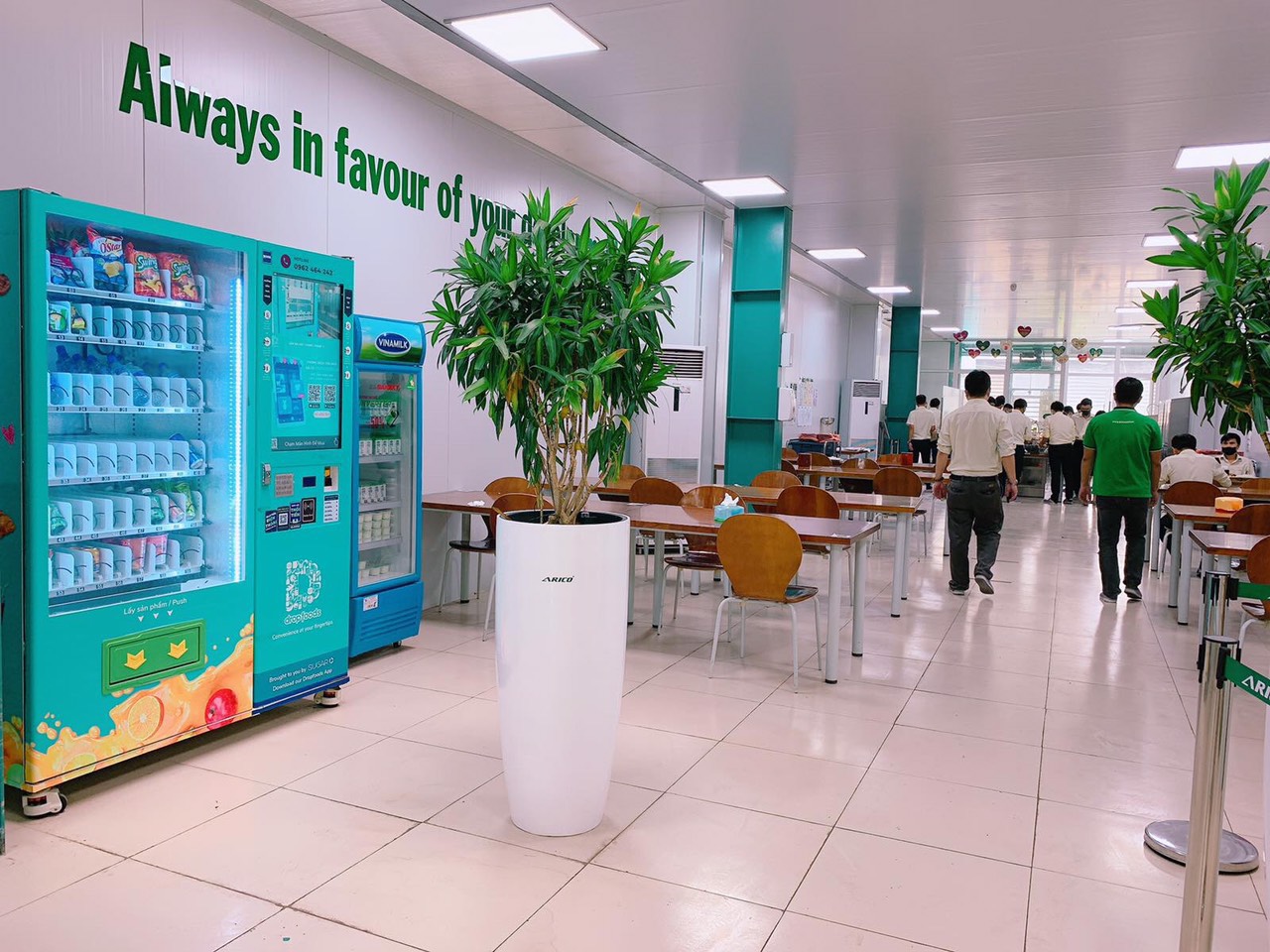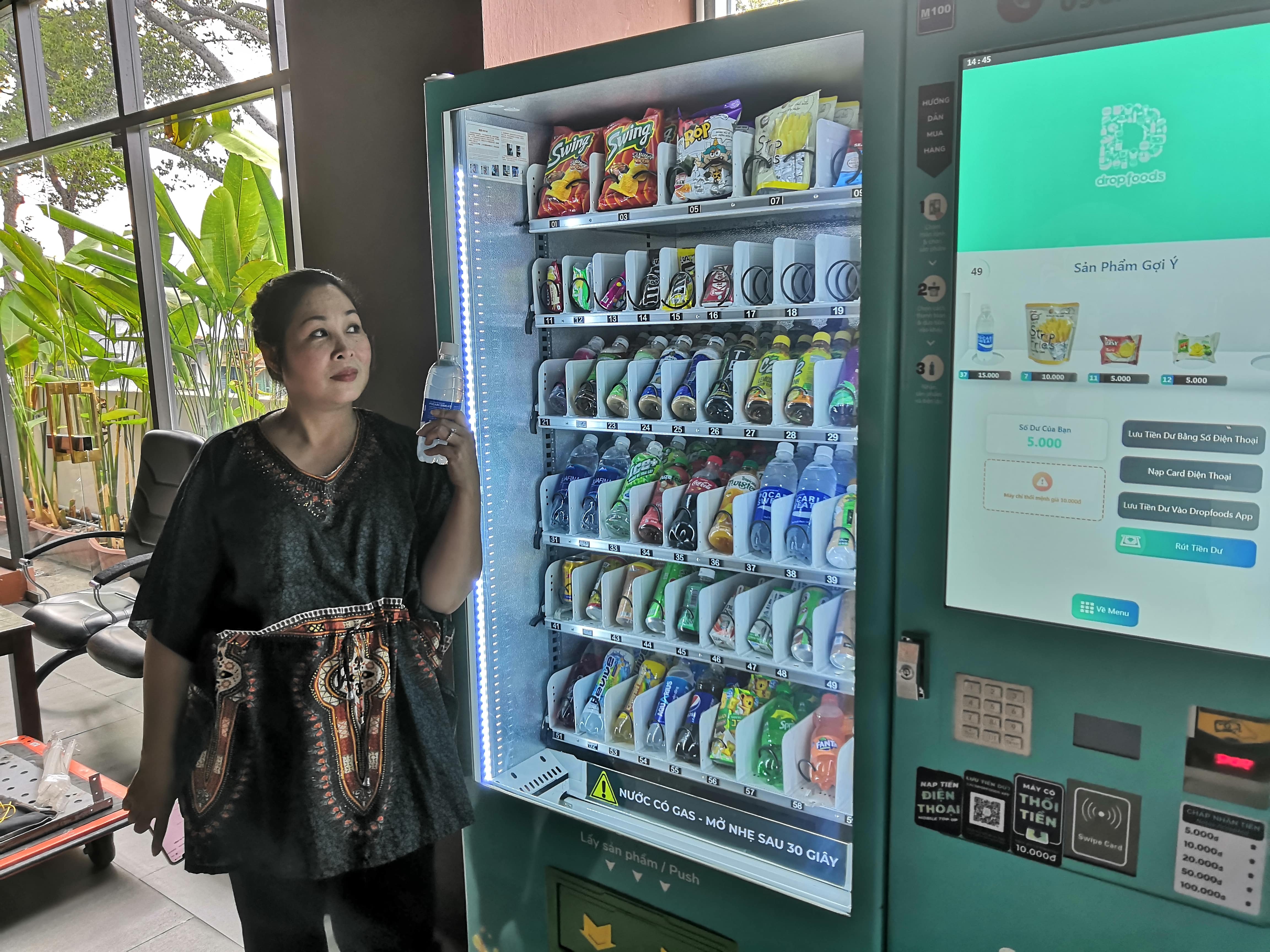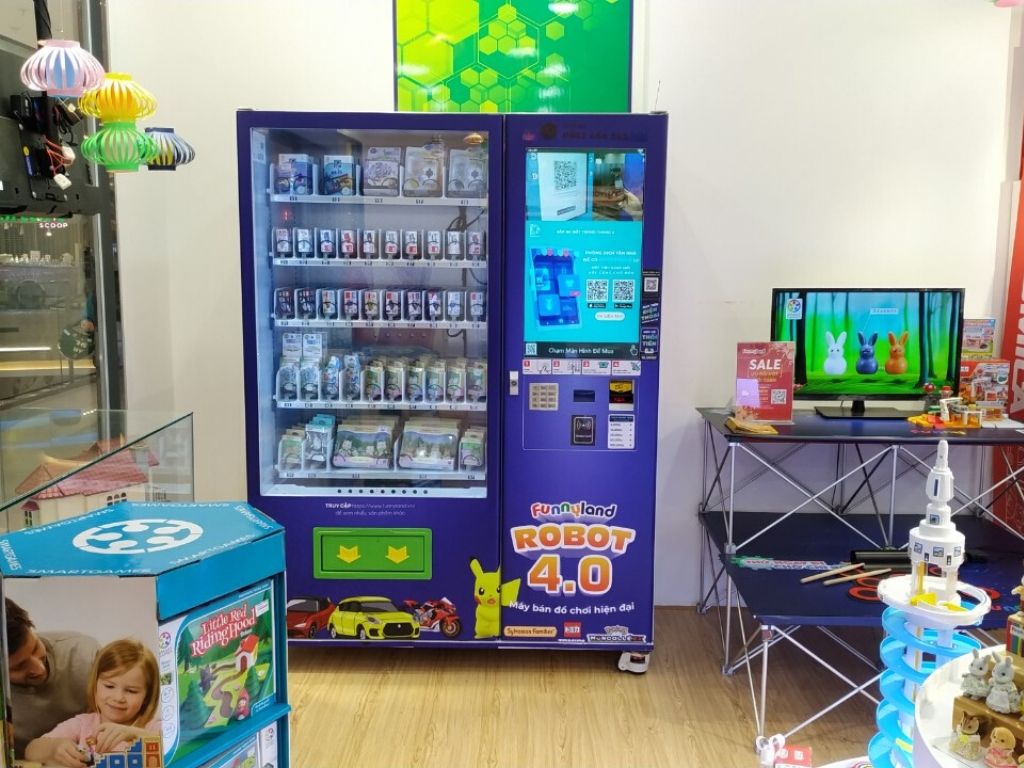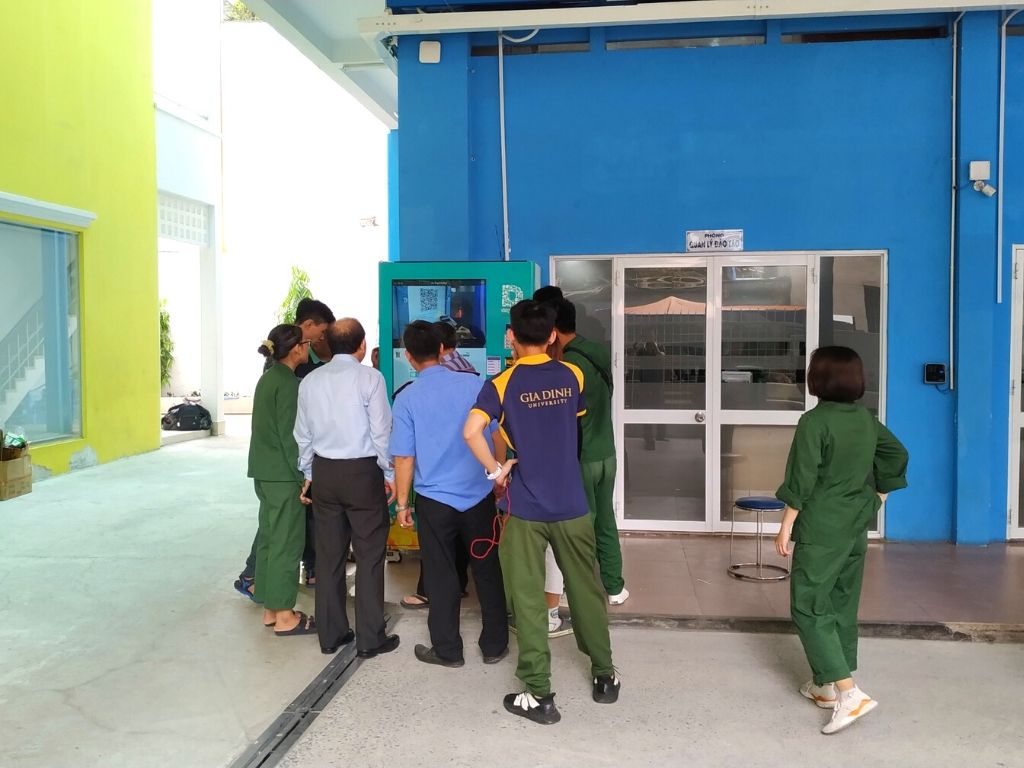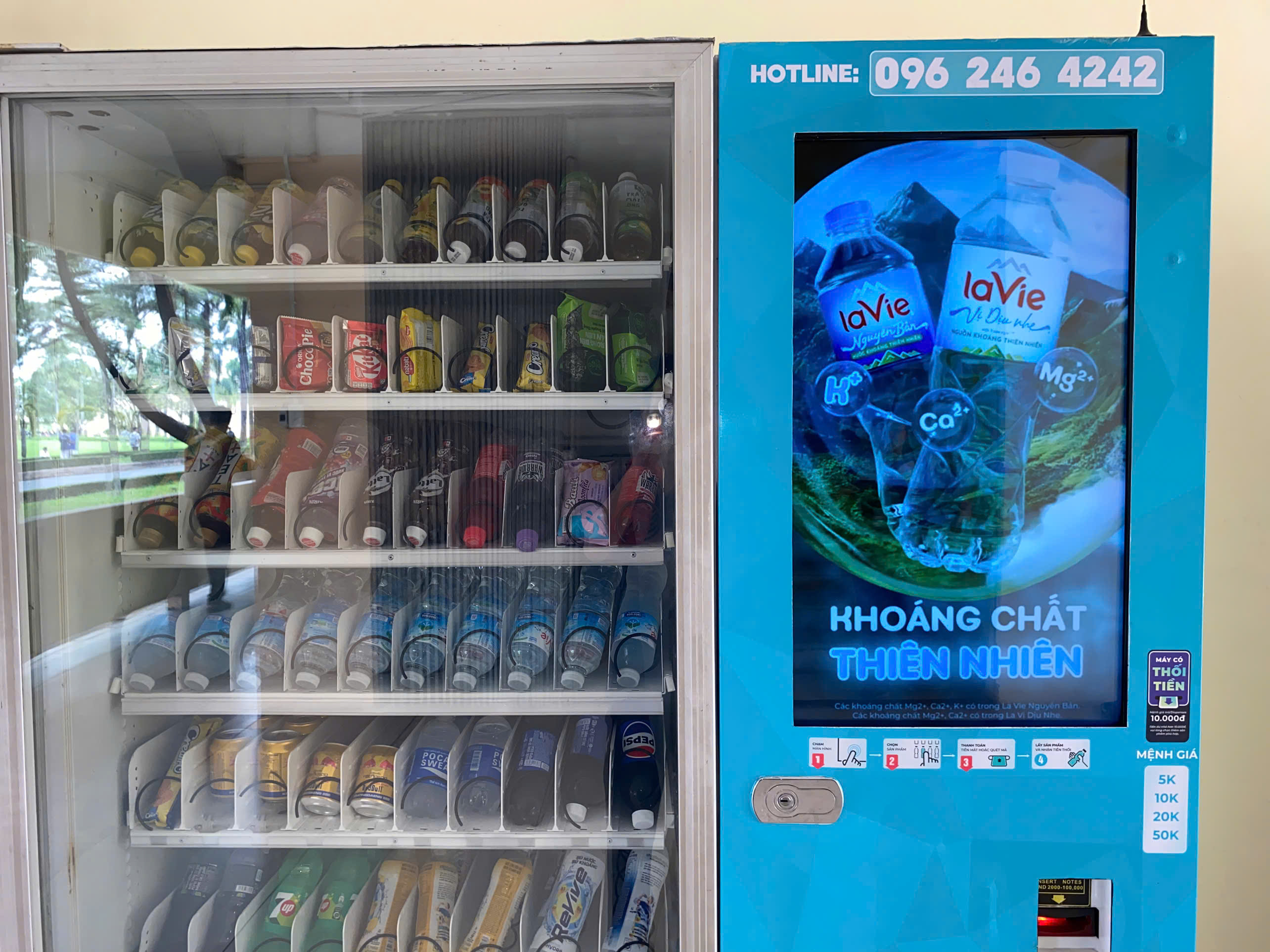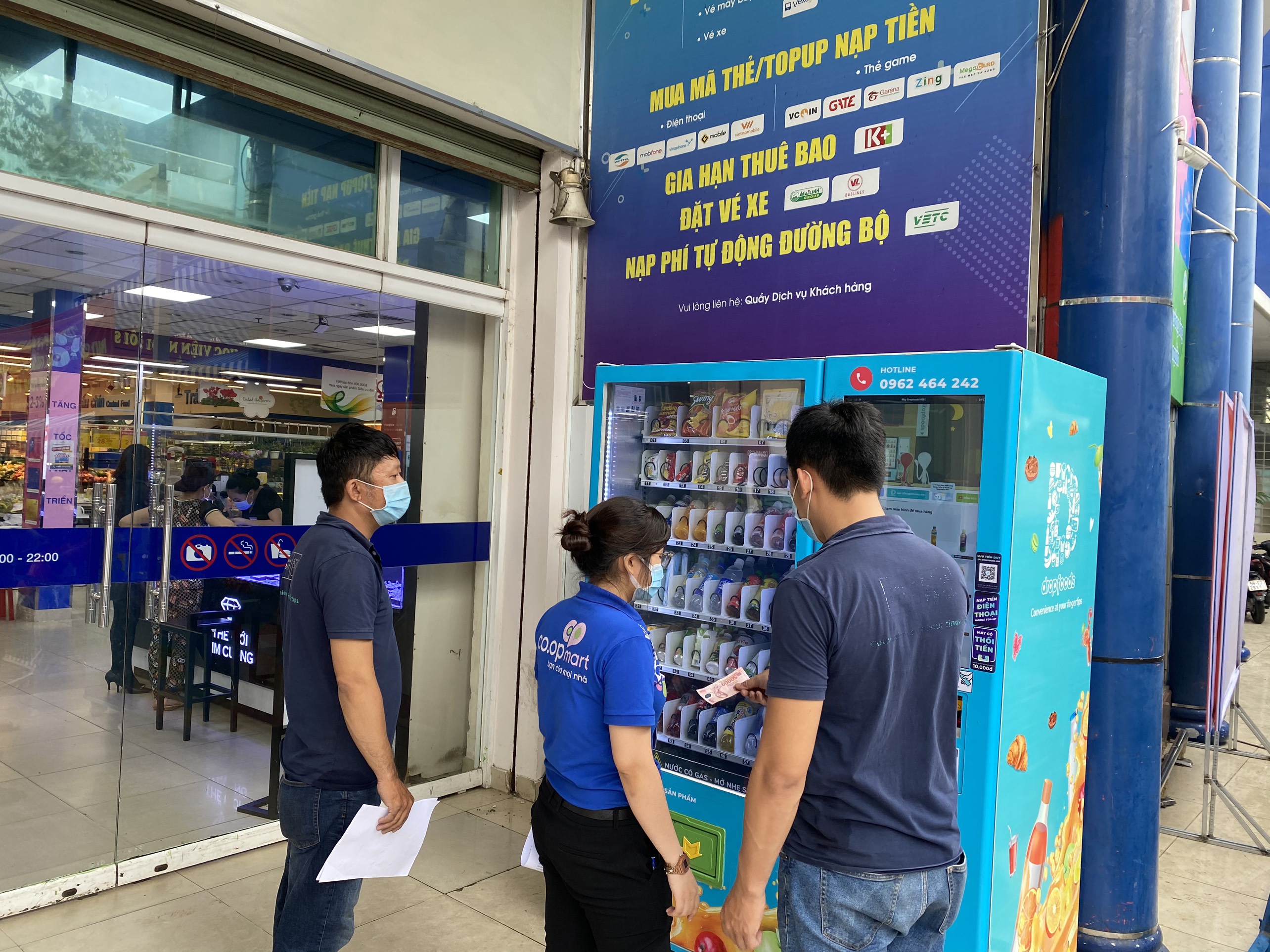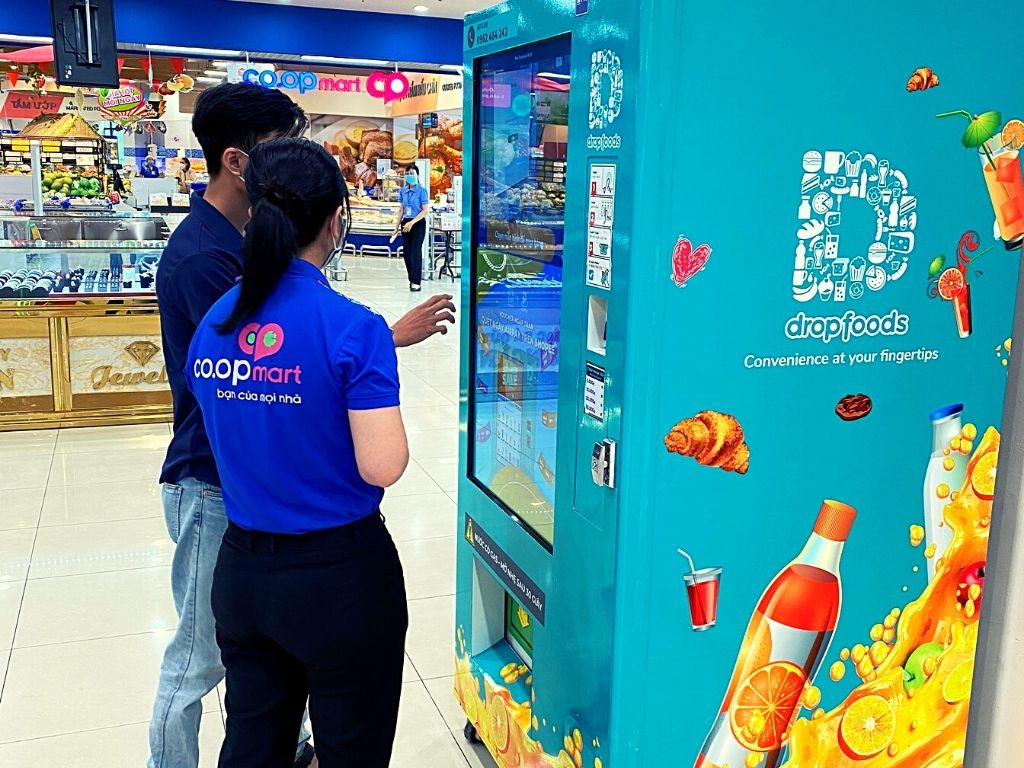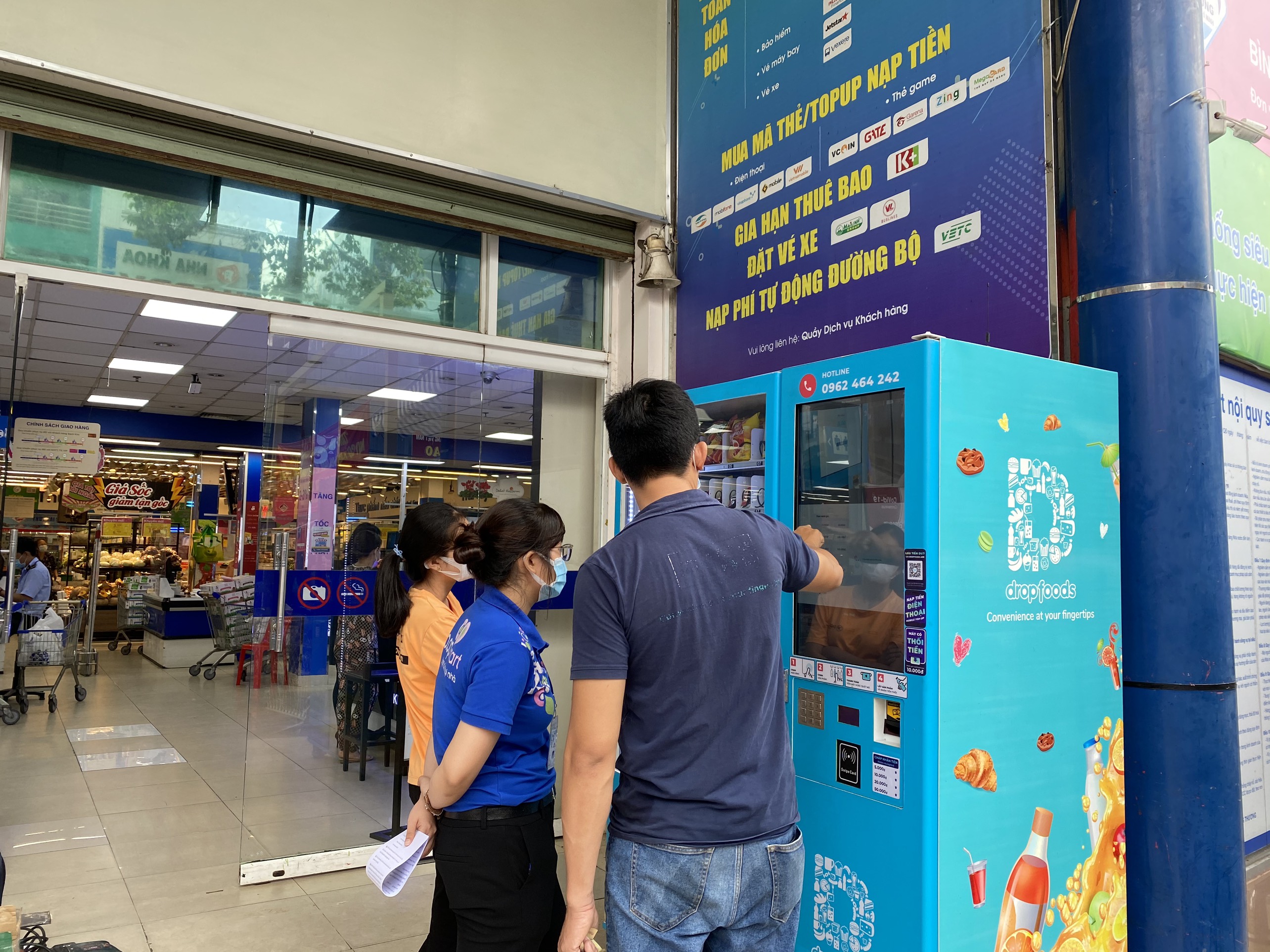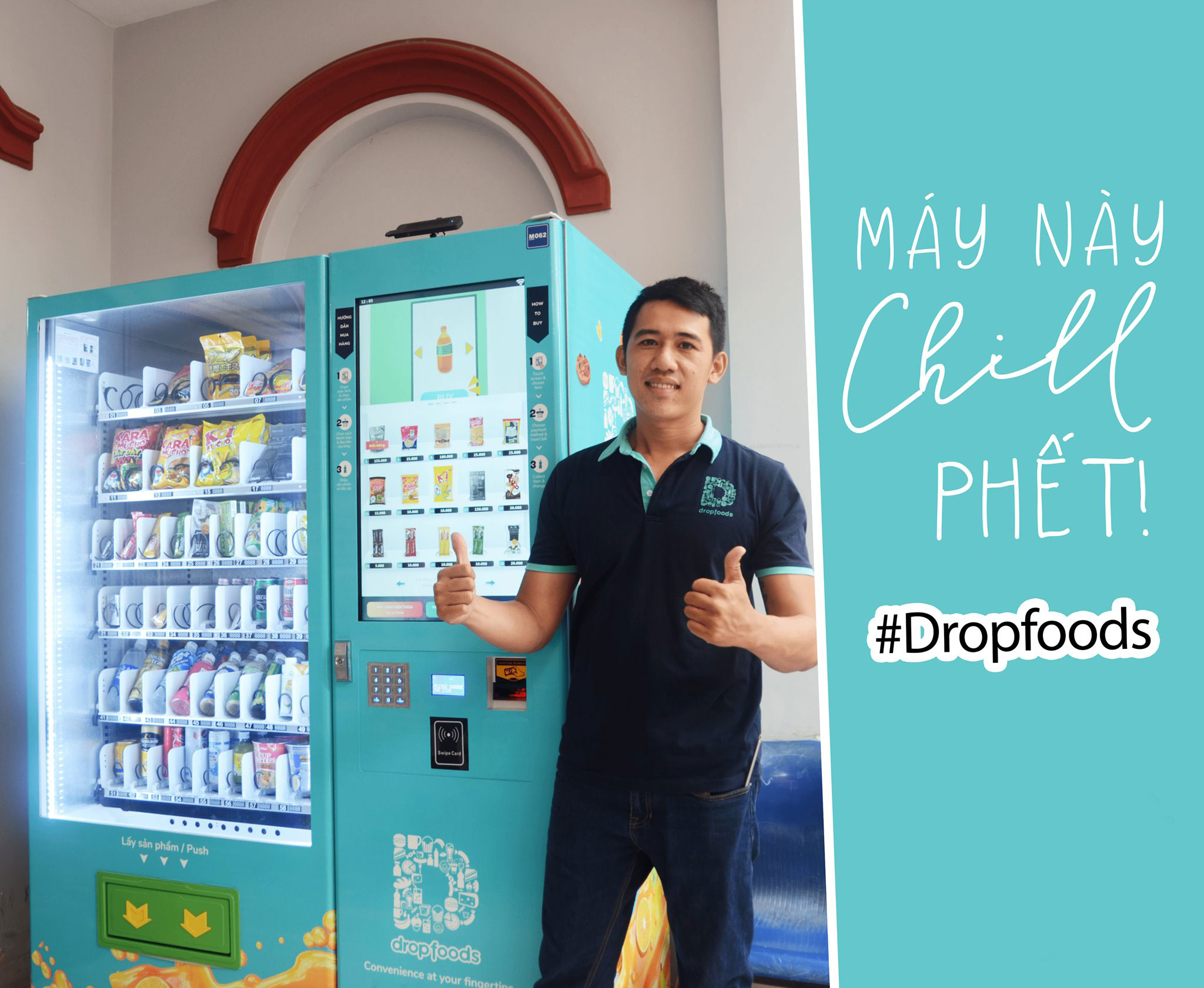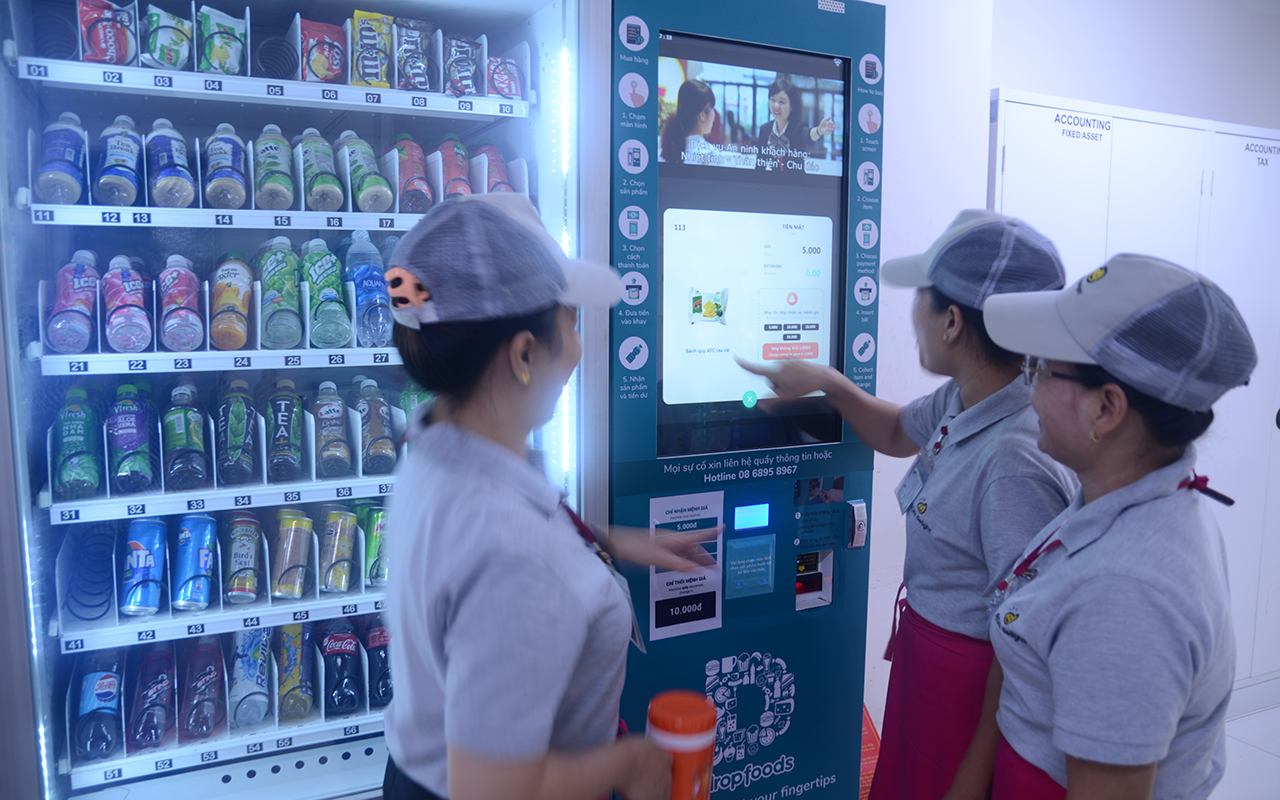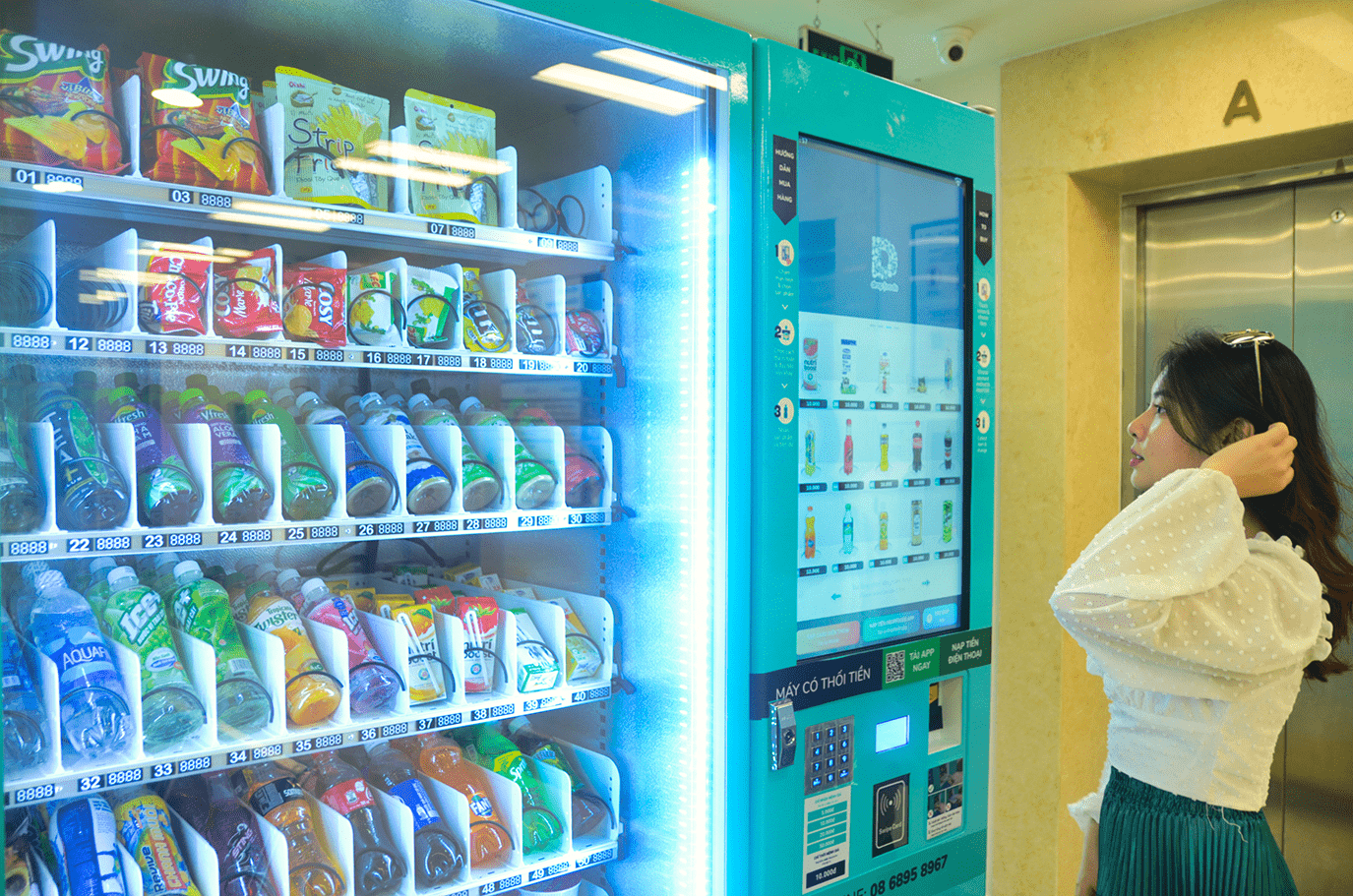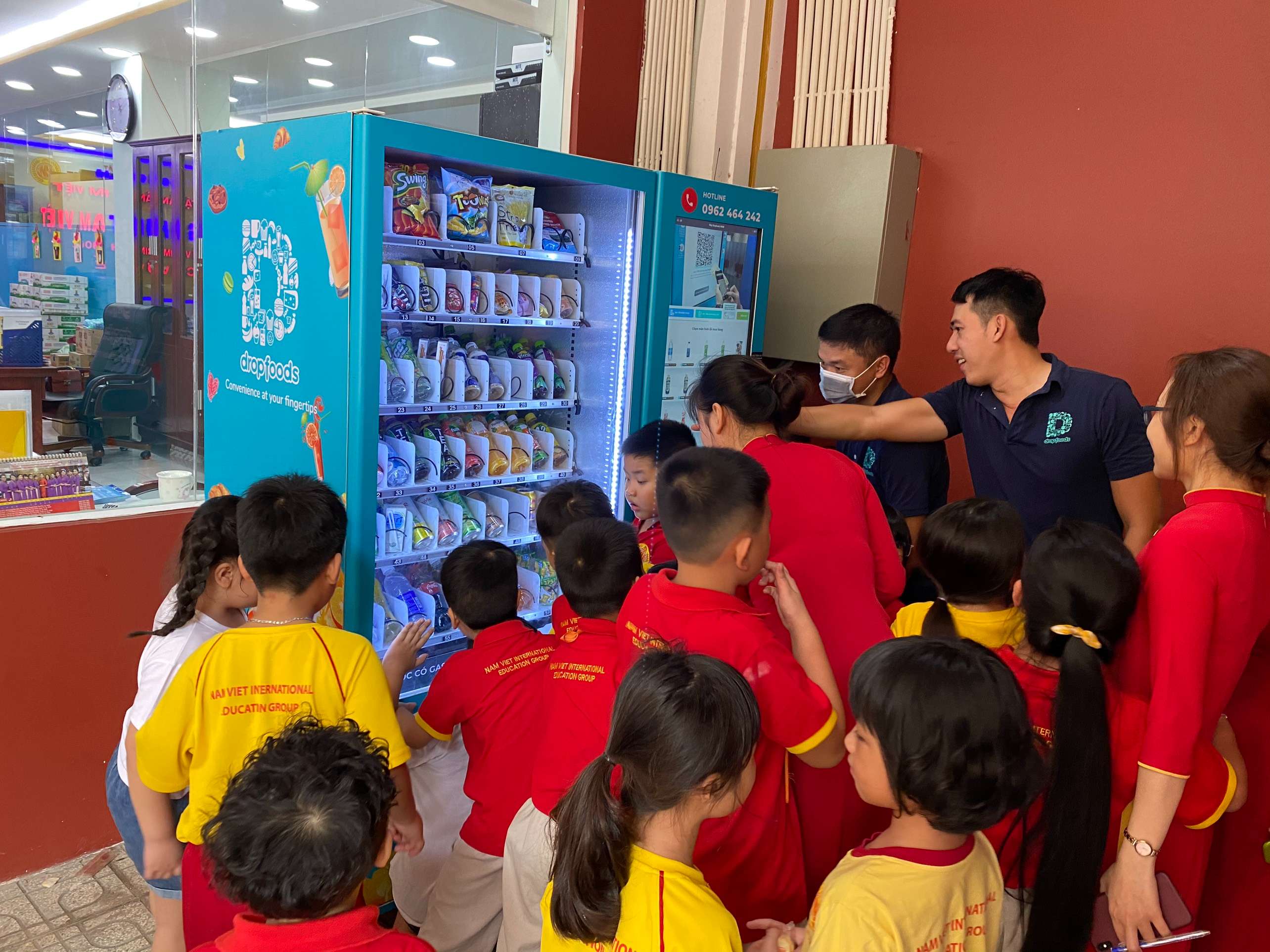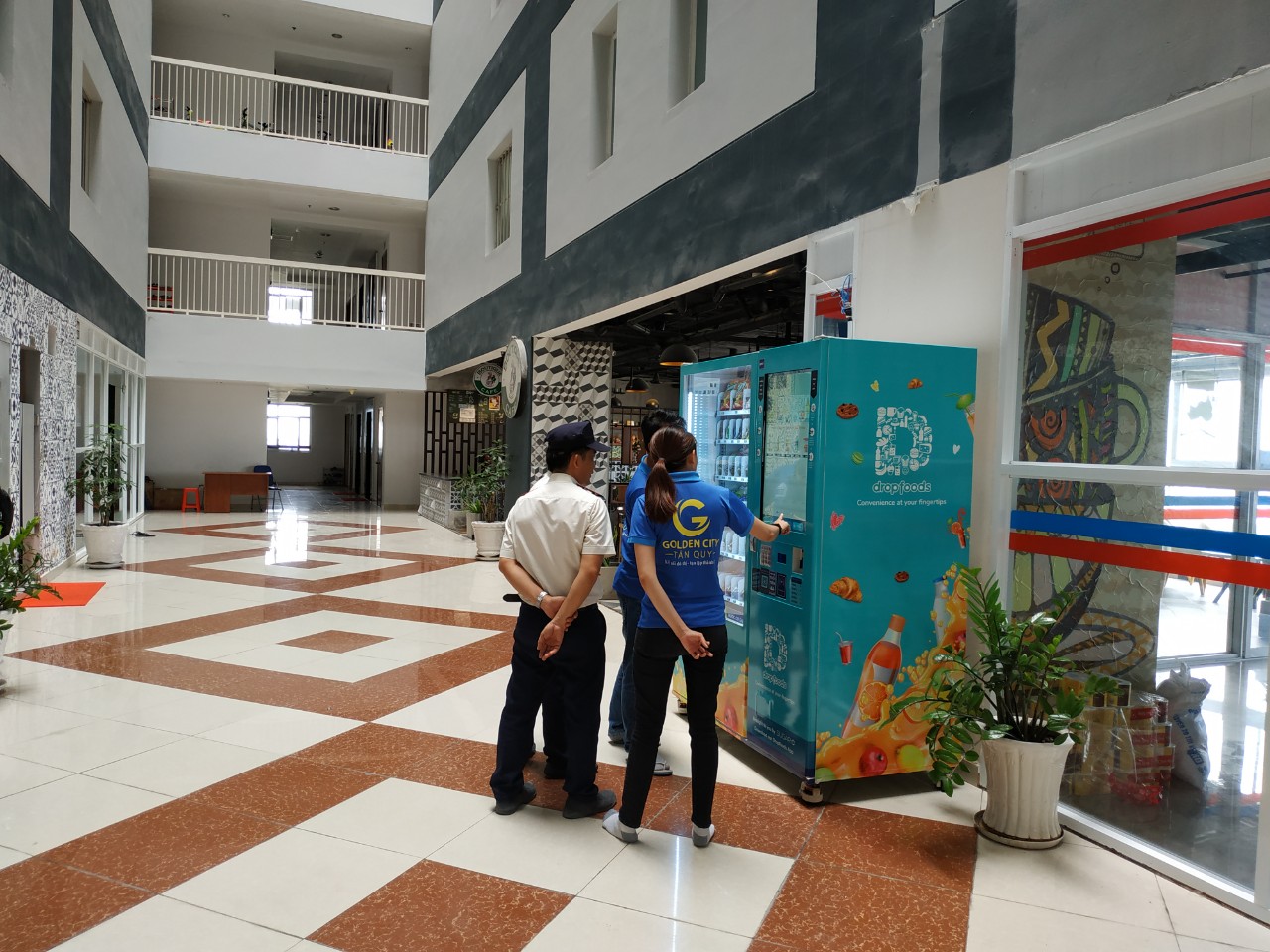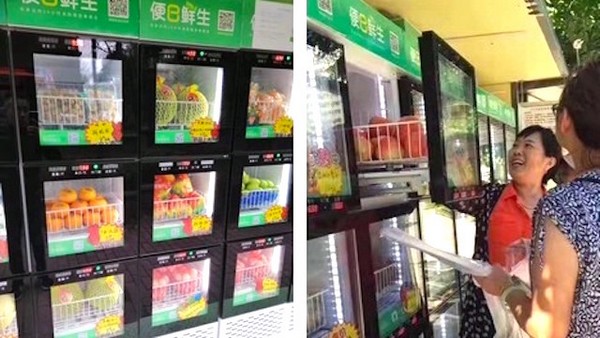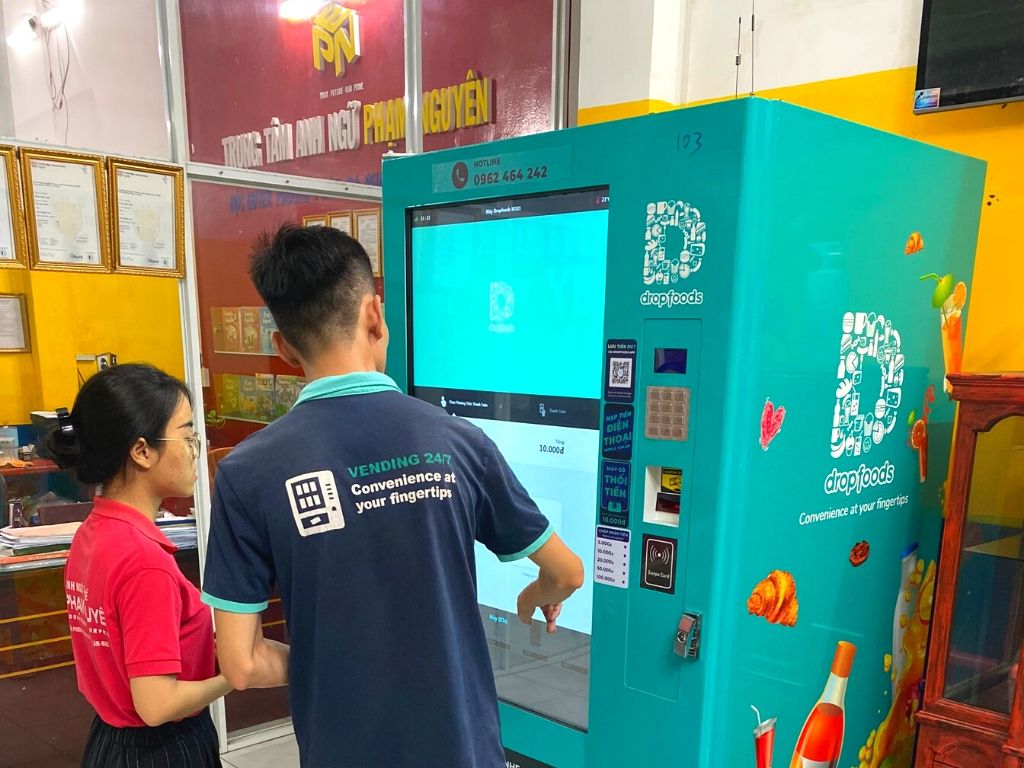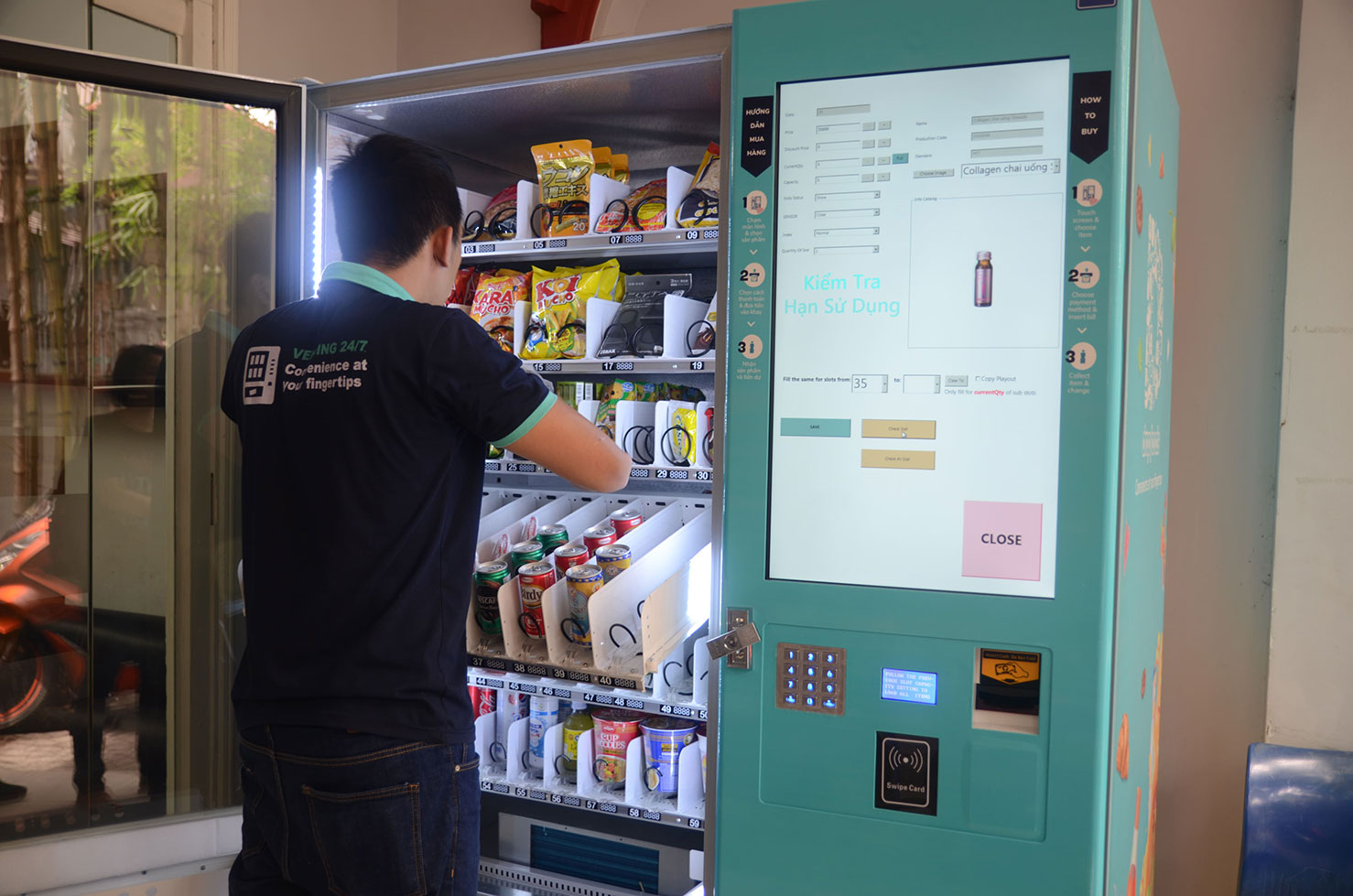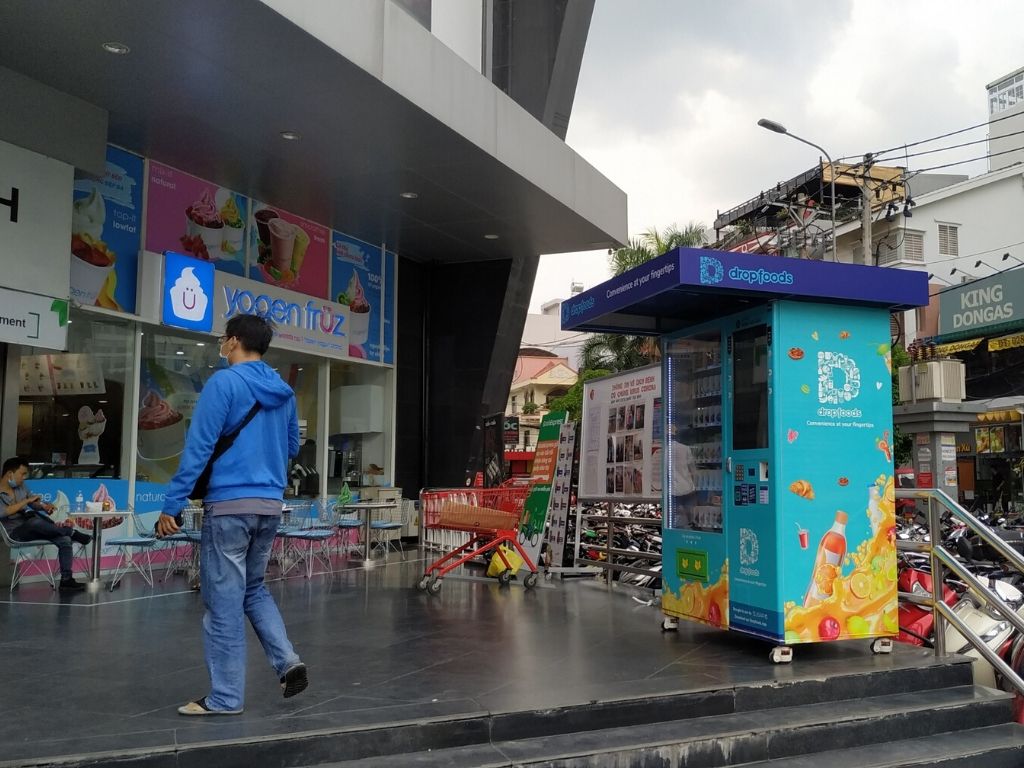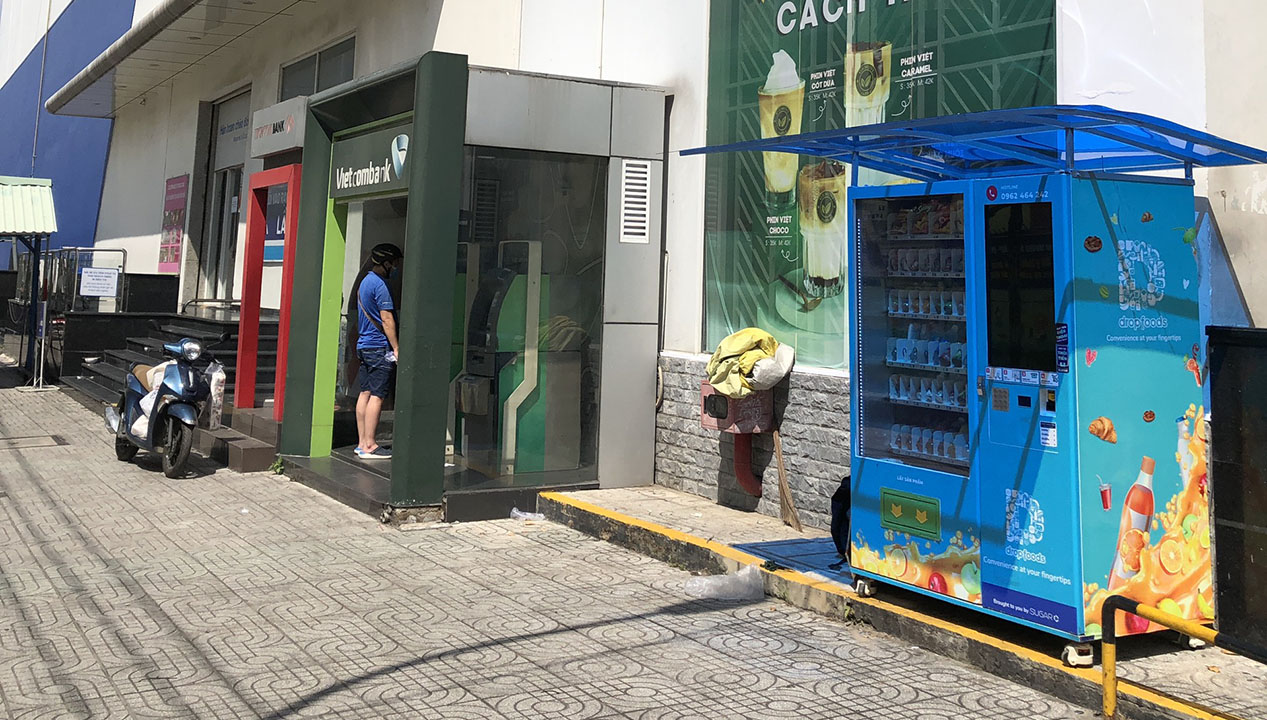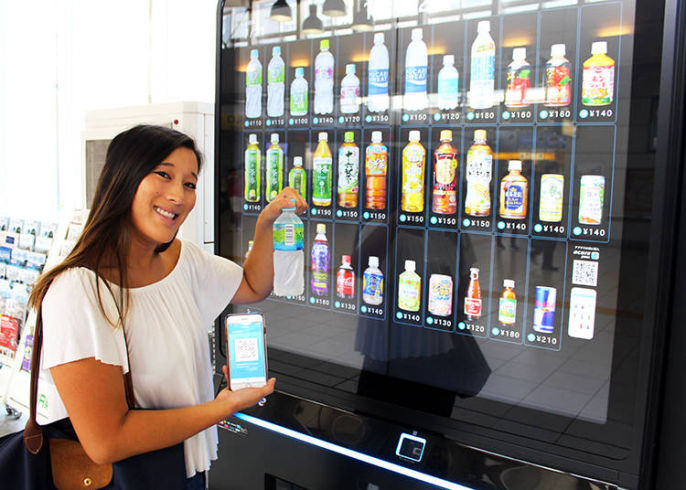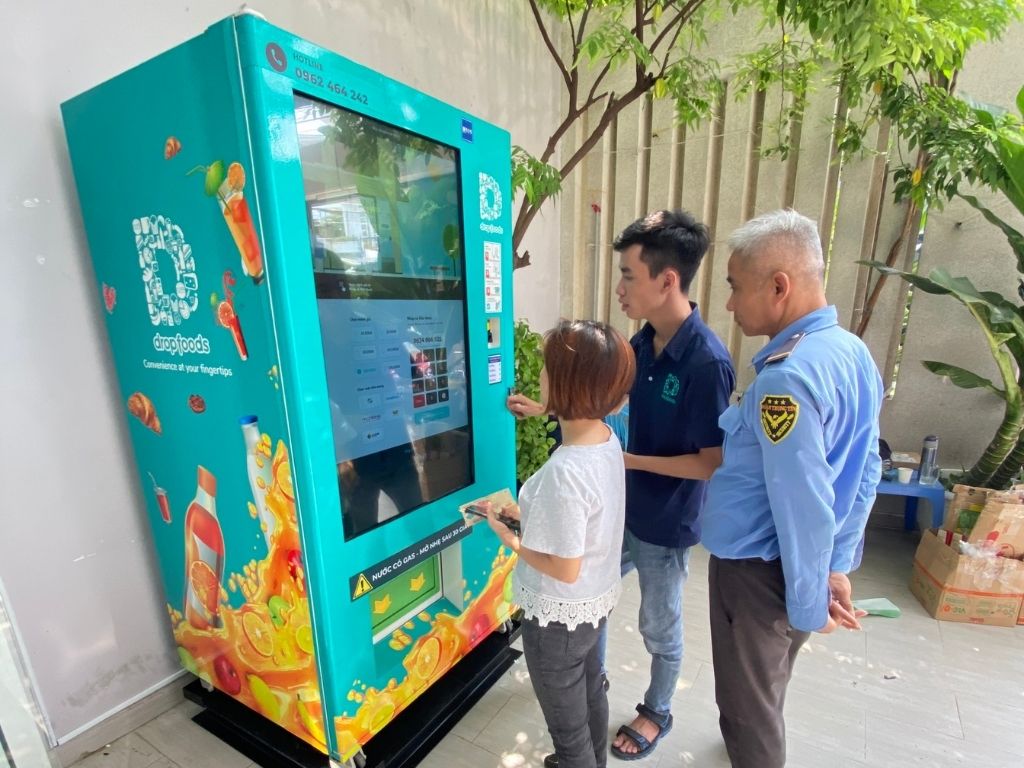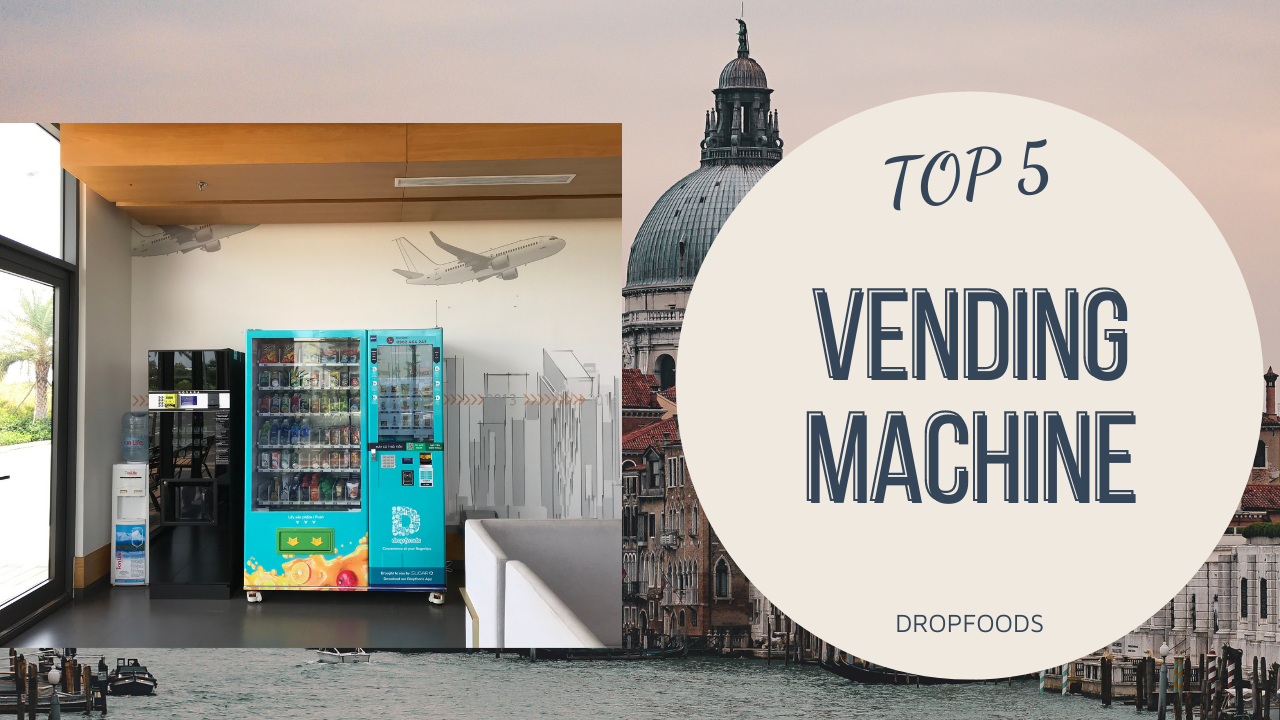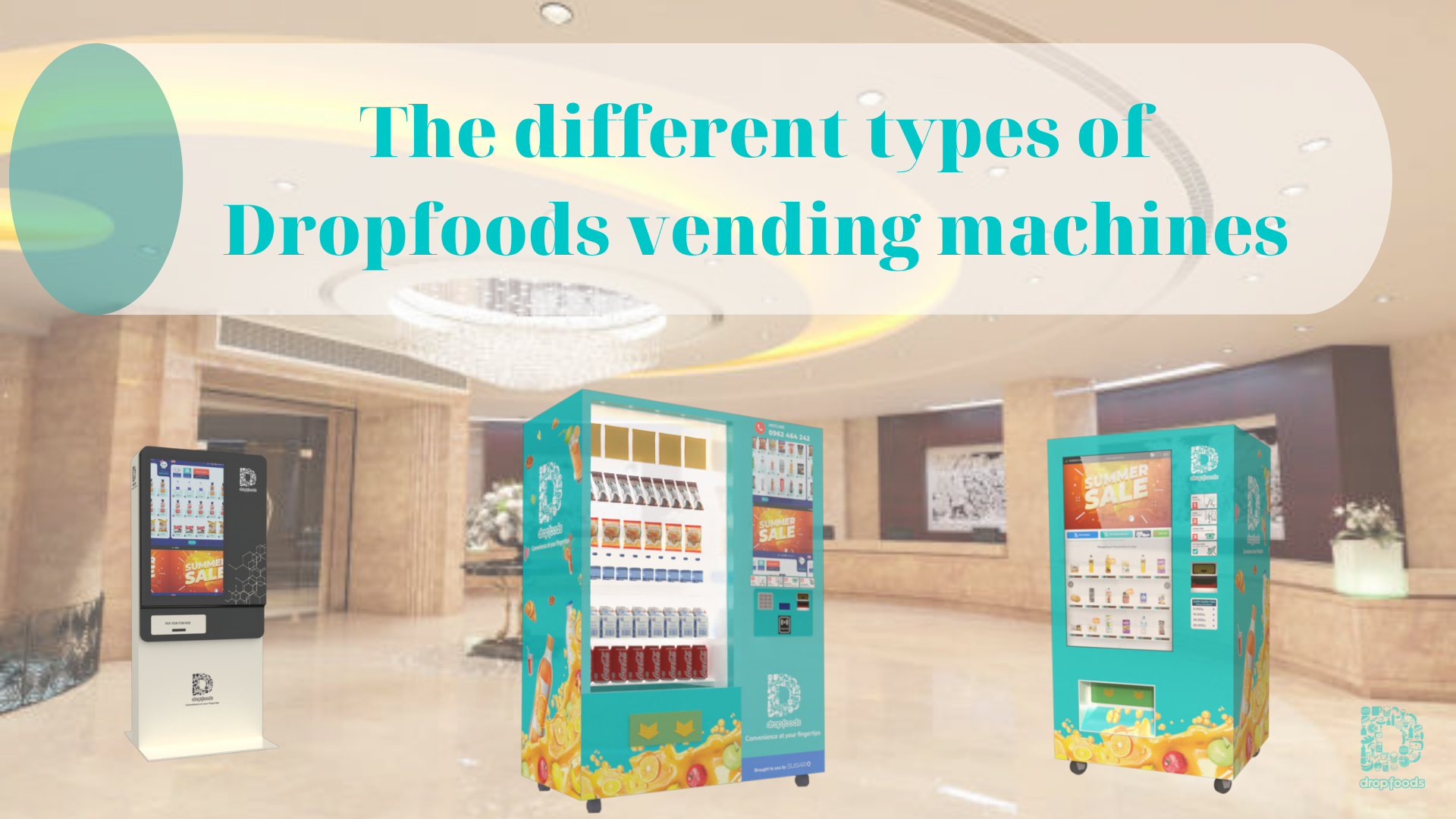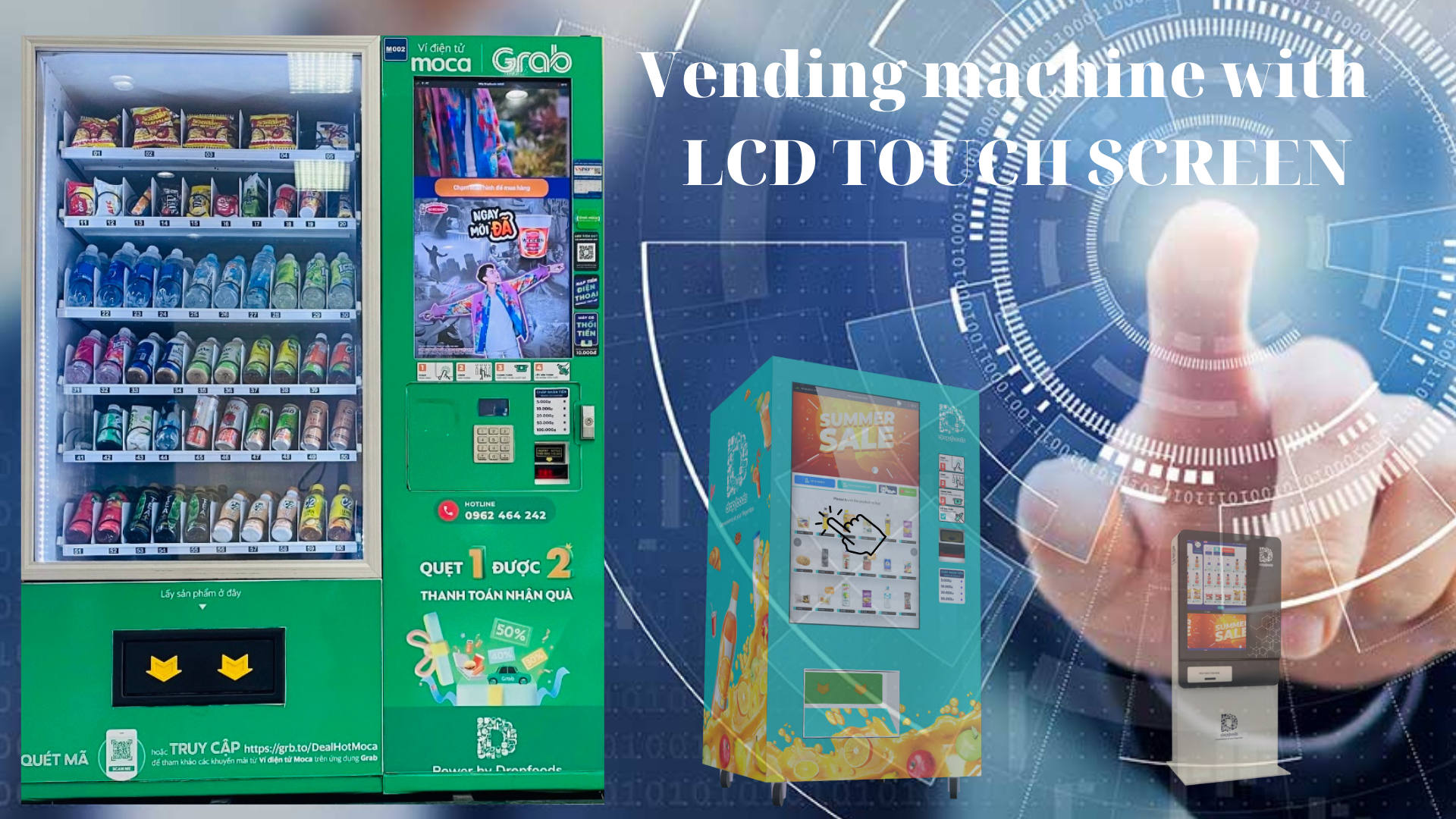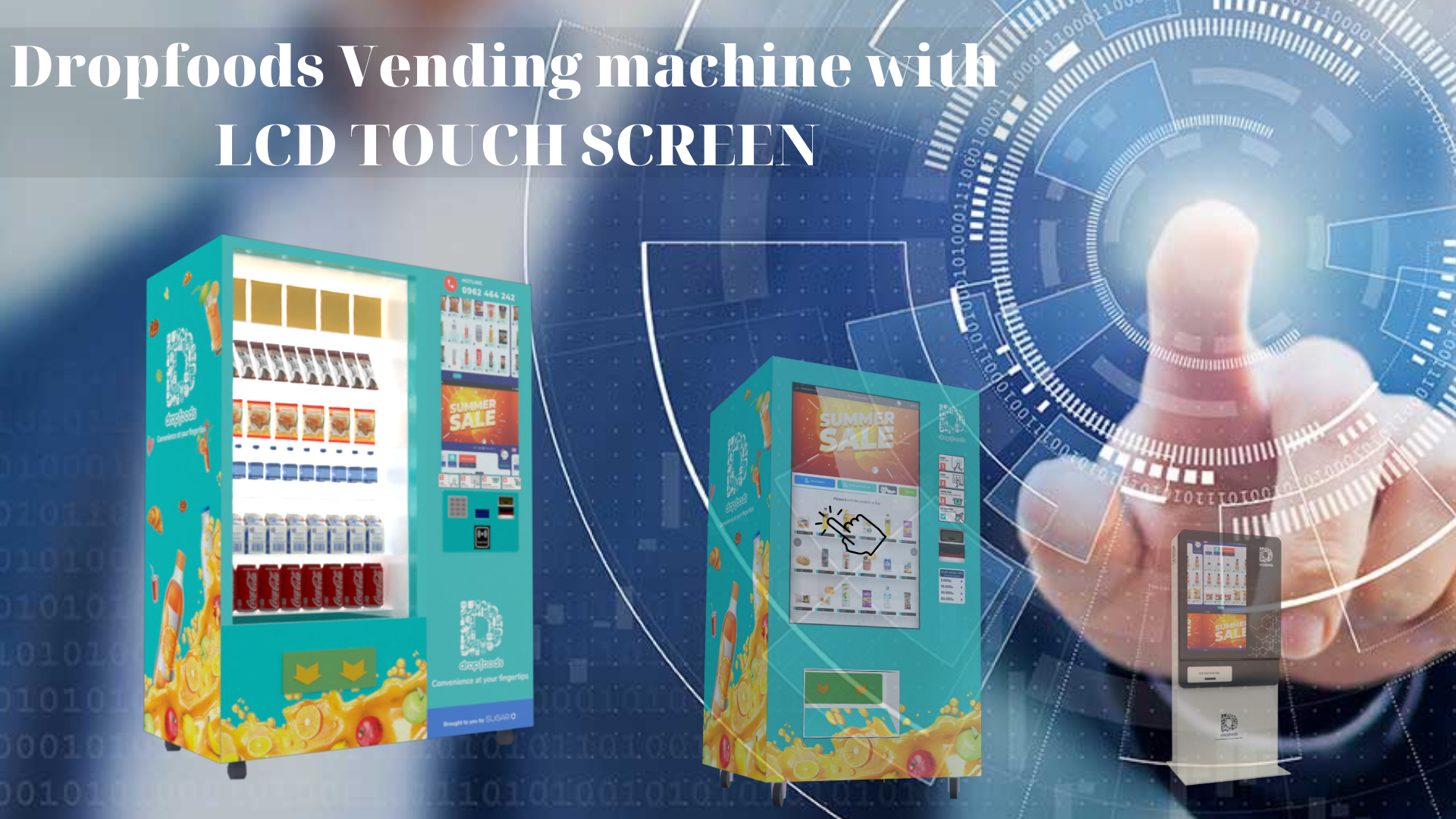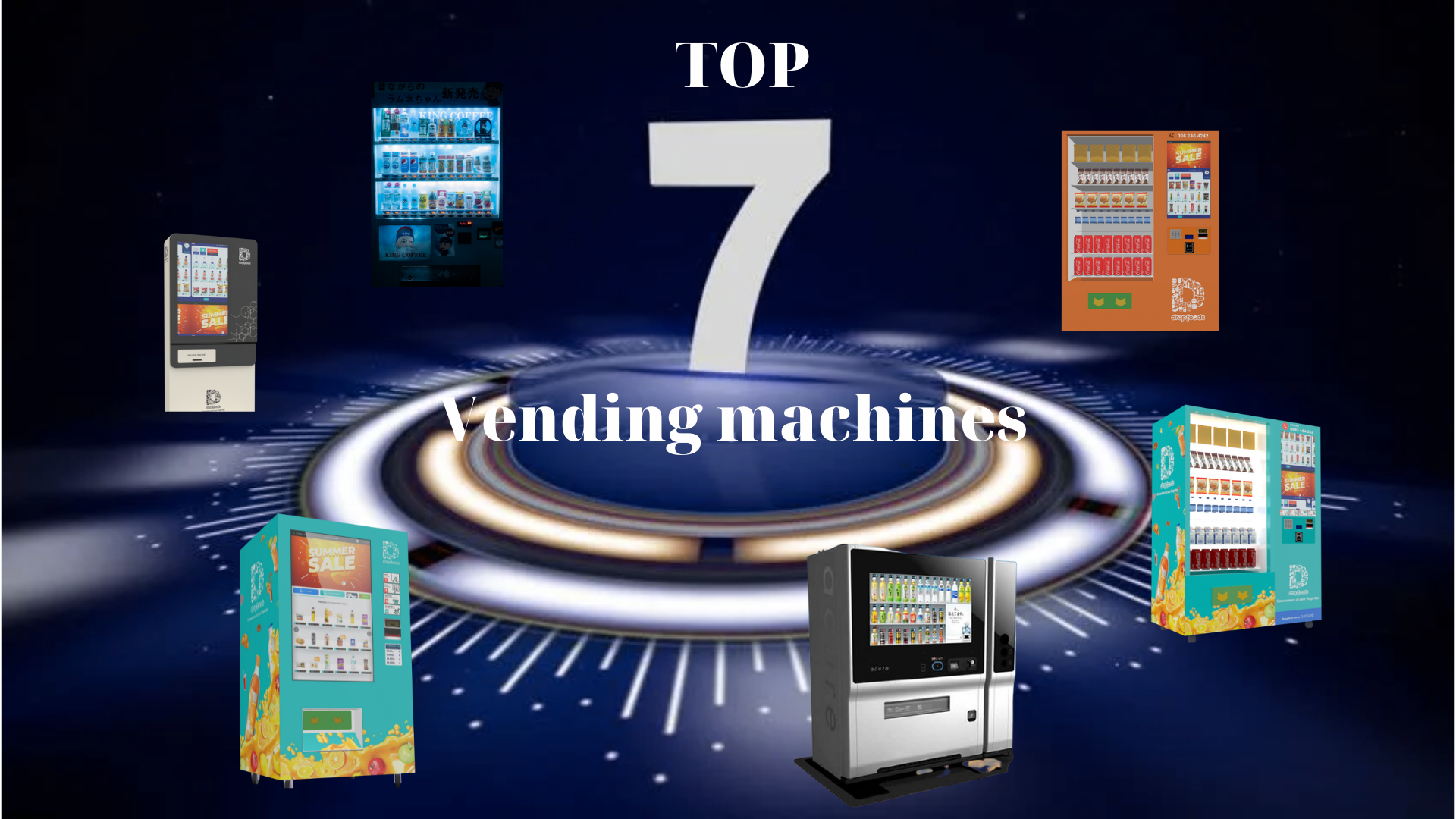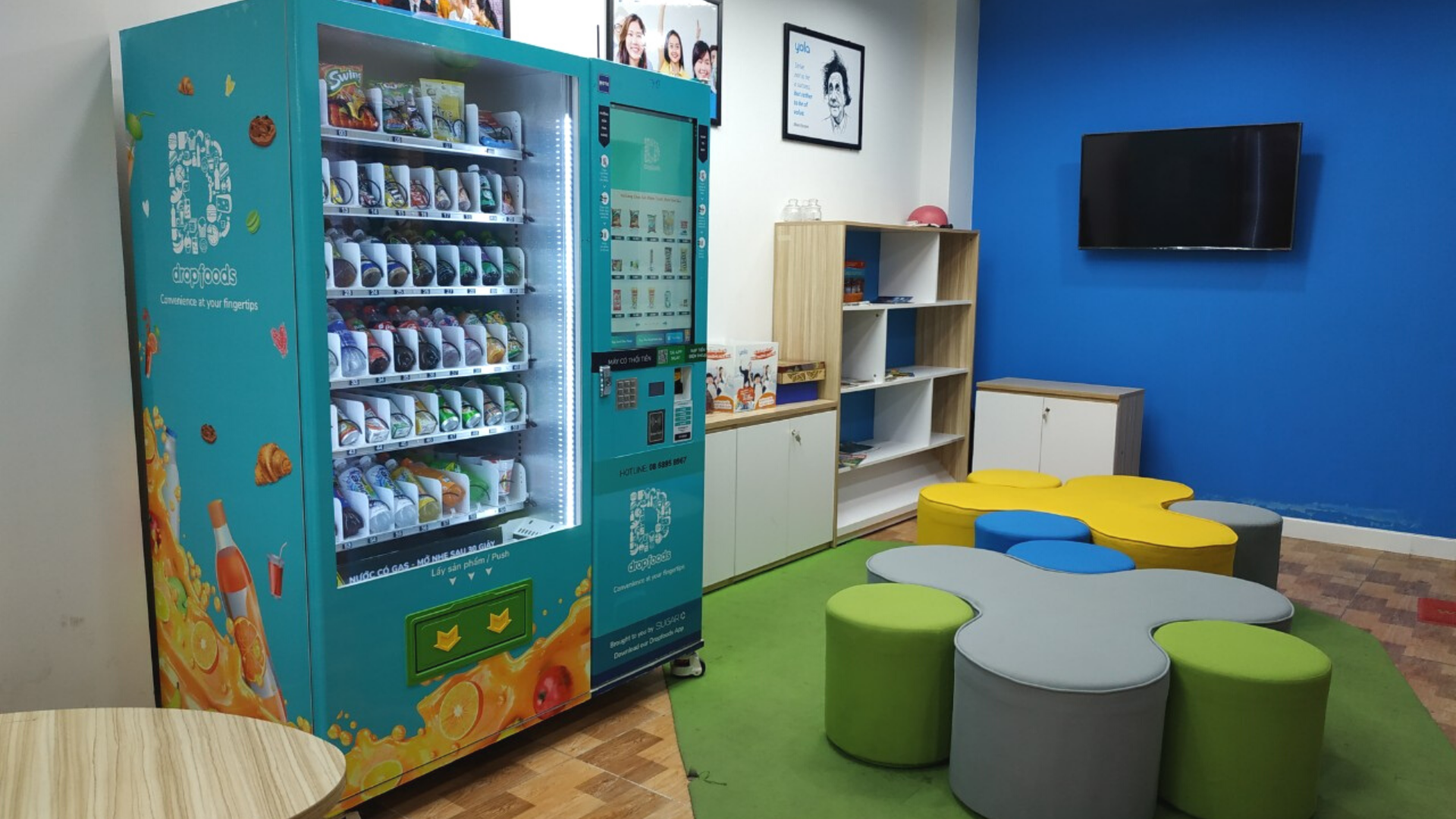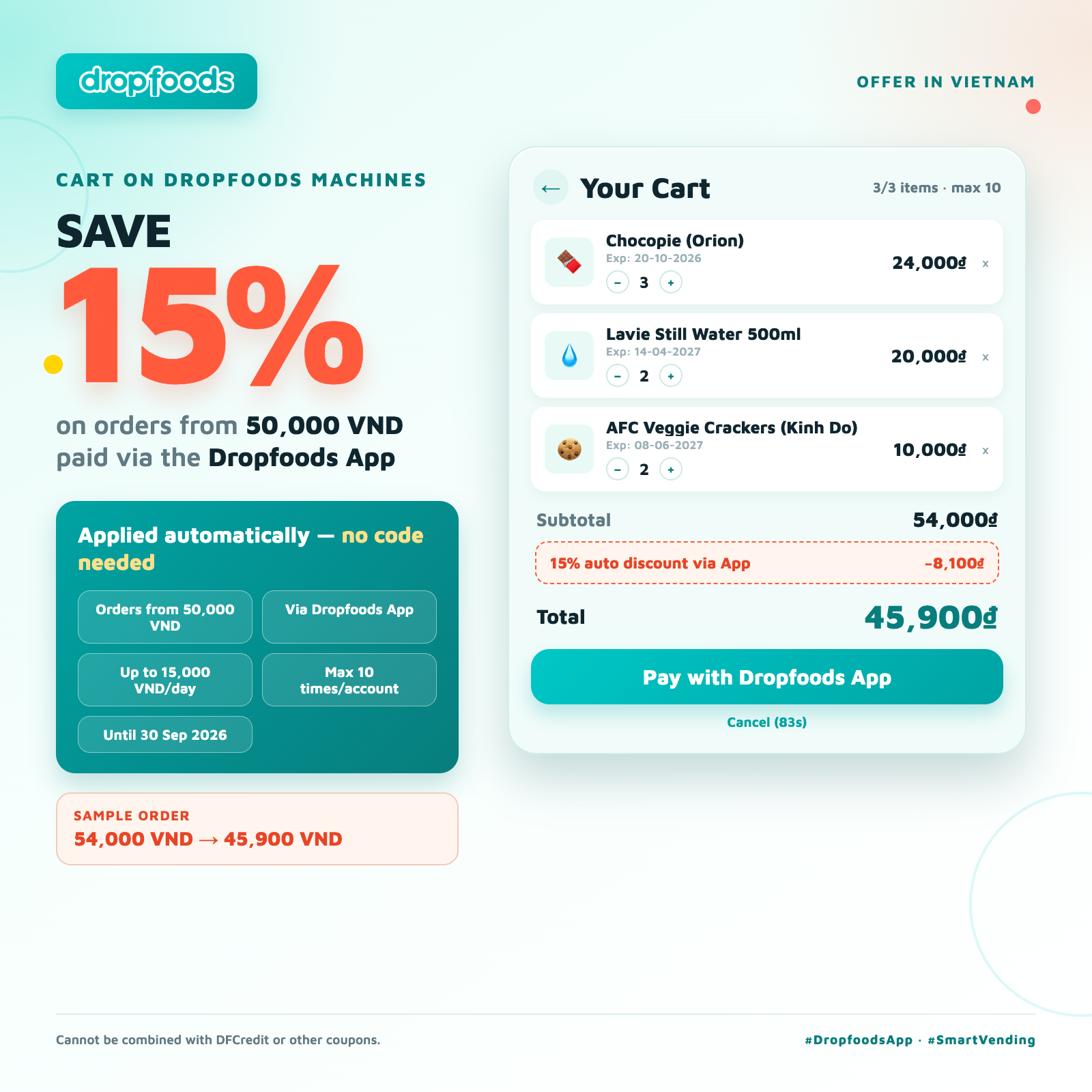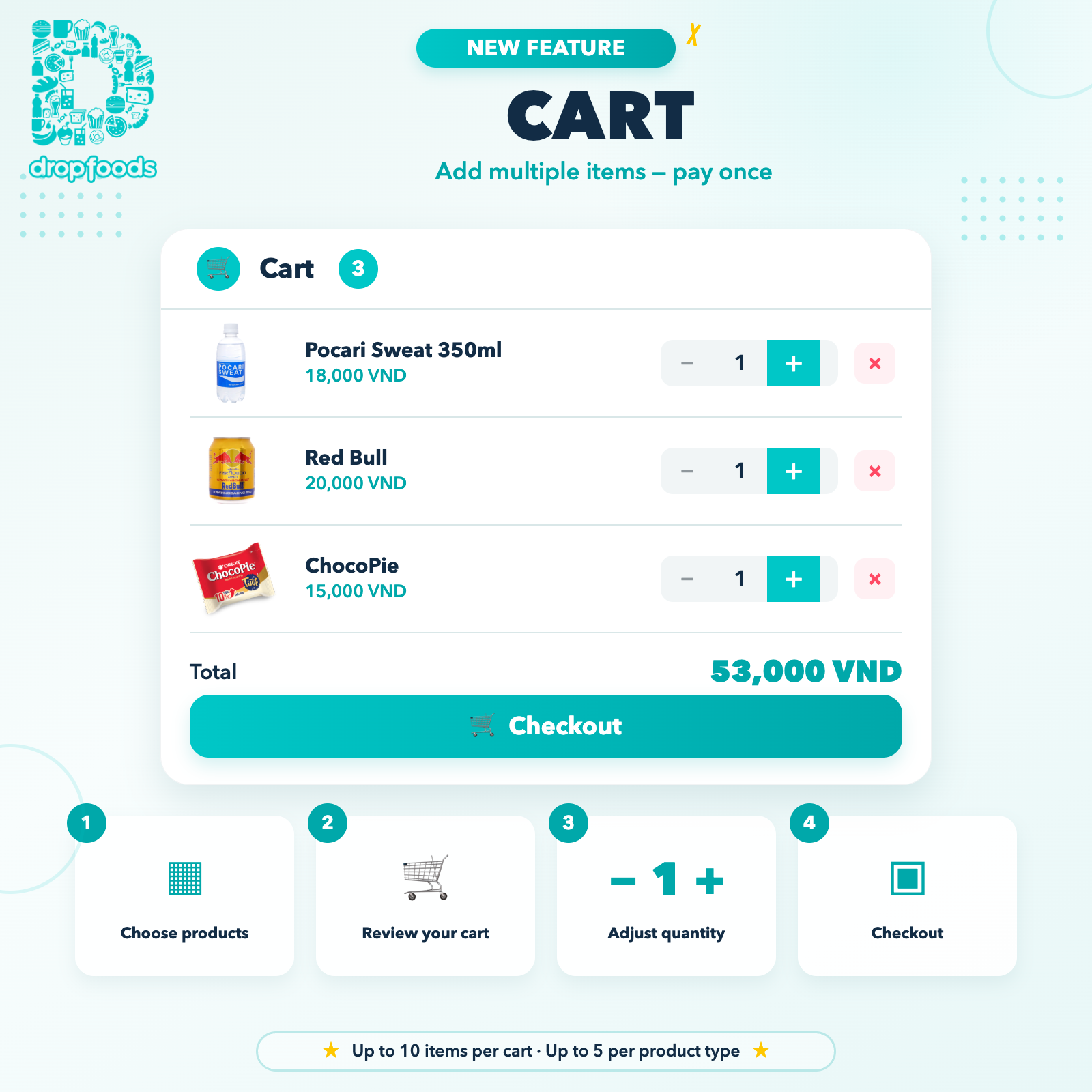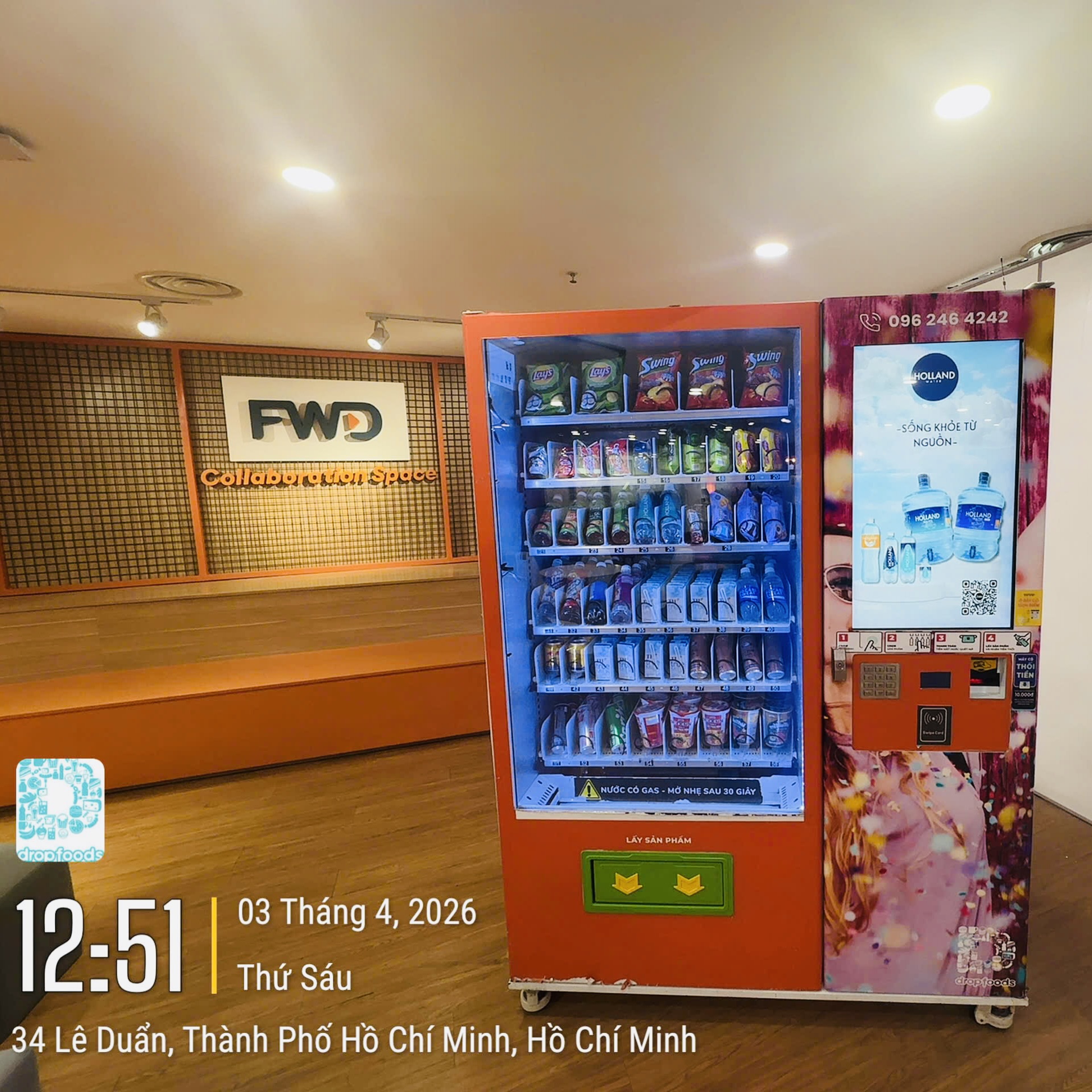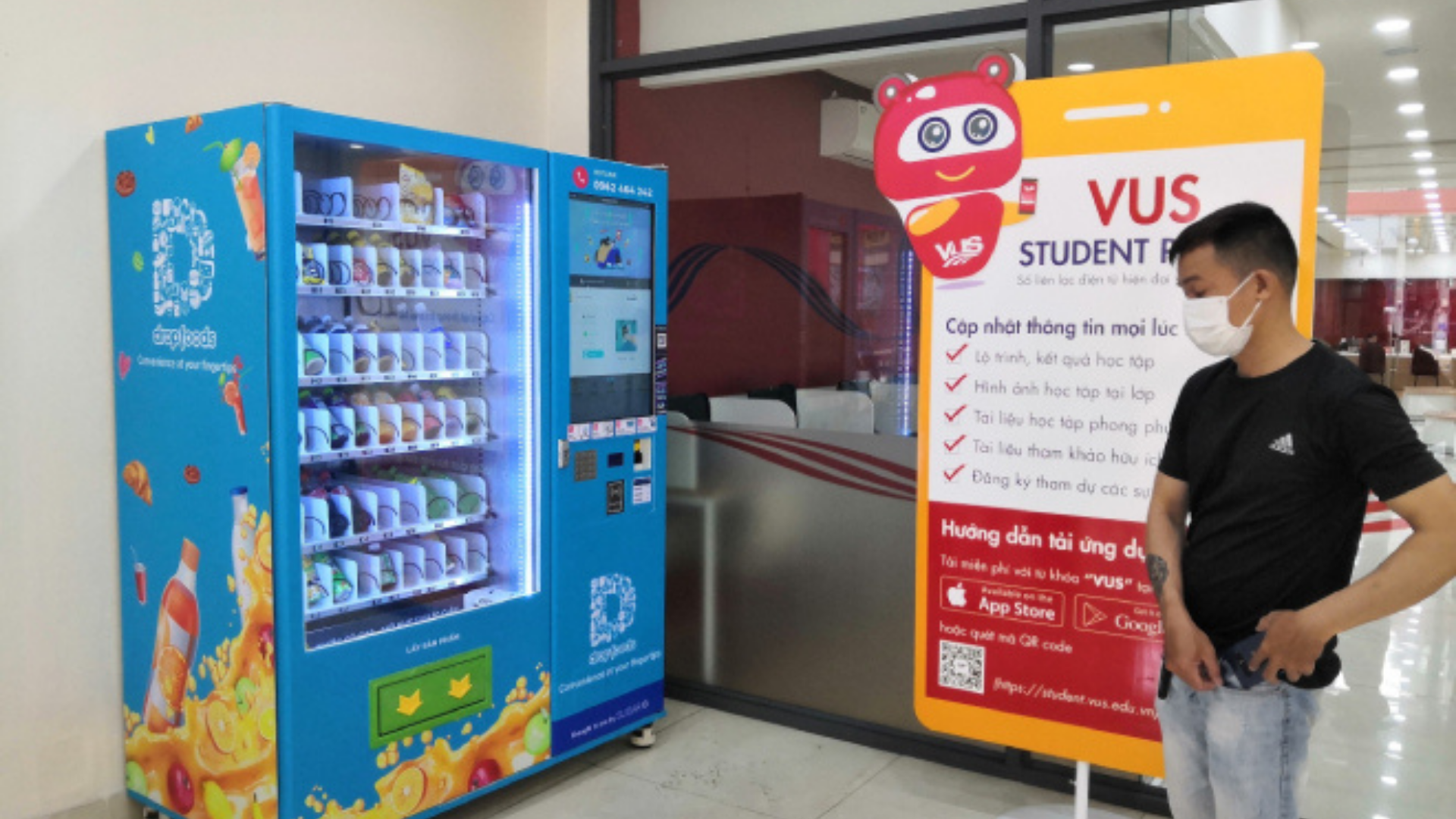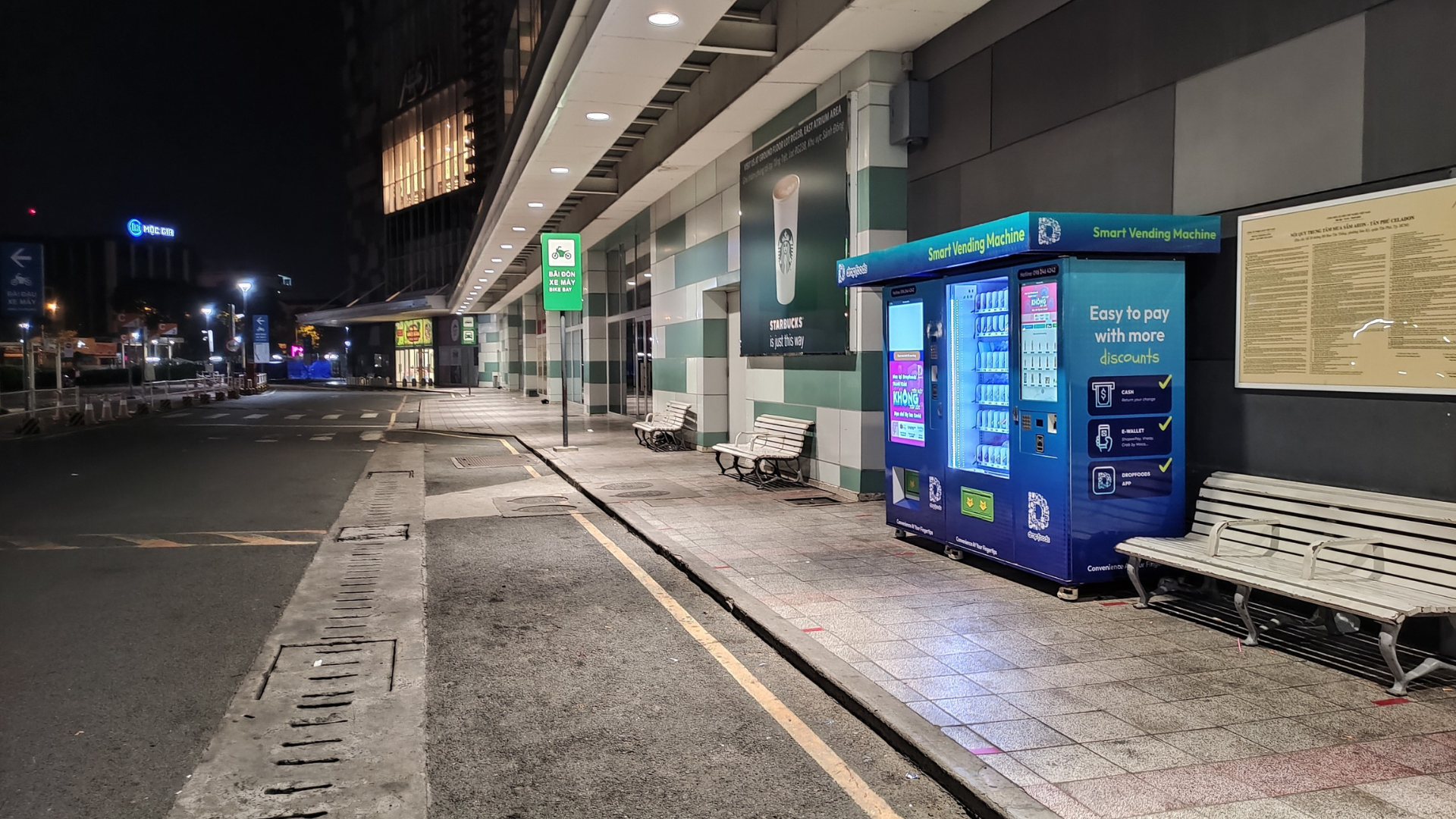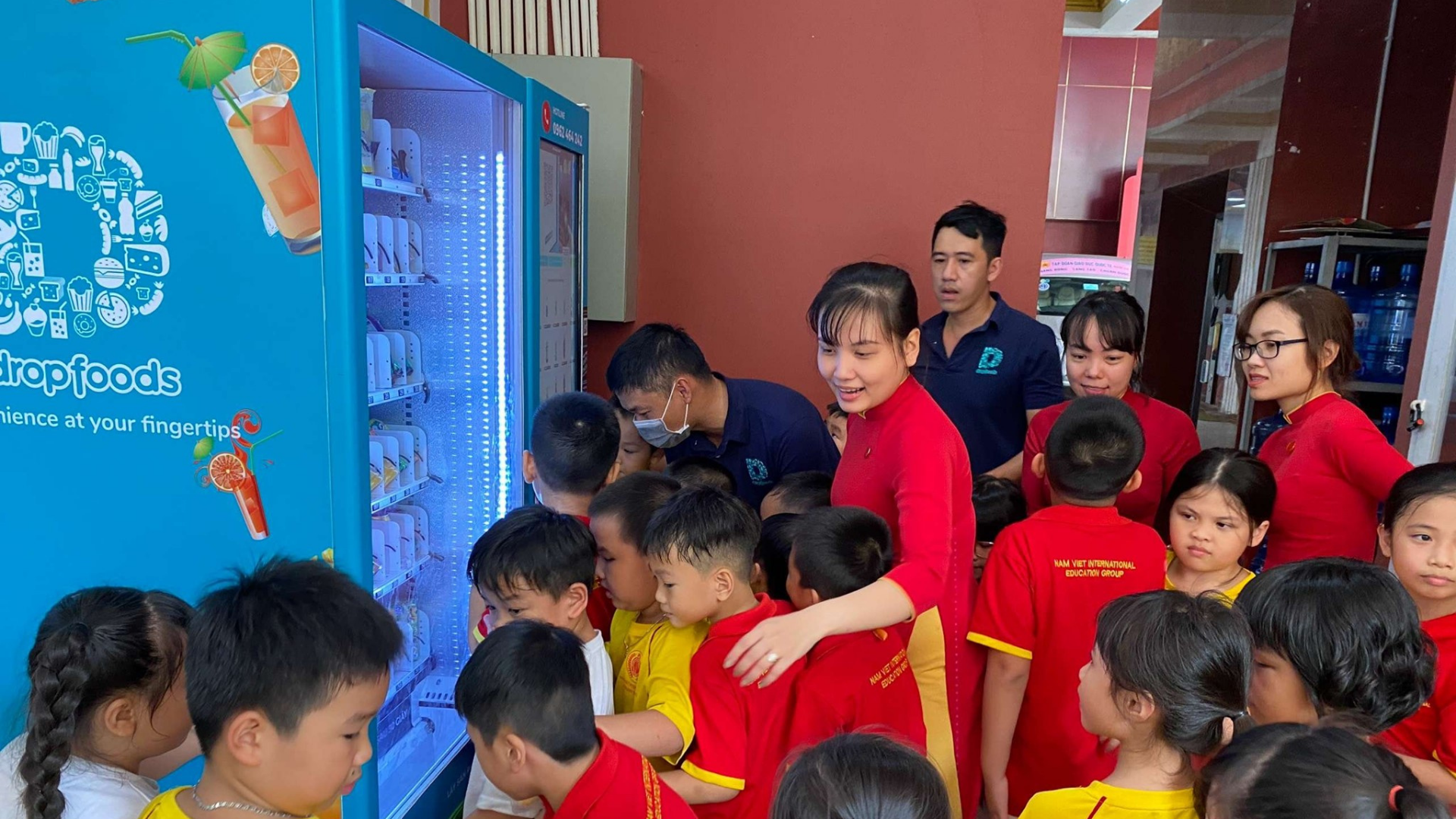
The Dropfoods Cart lets users select multiple products in a single order, adjust quantities, and review the total before payment. The feature is enabled machine by machine, so users should follow this flow only when Cart appears on the touchscreen.

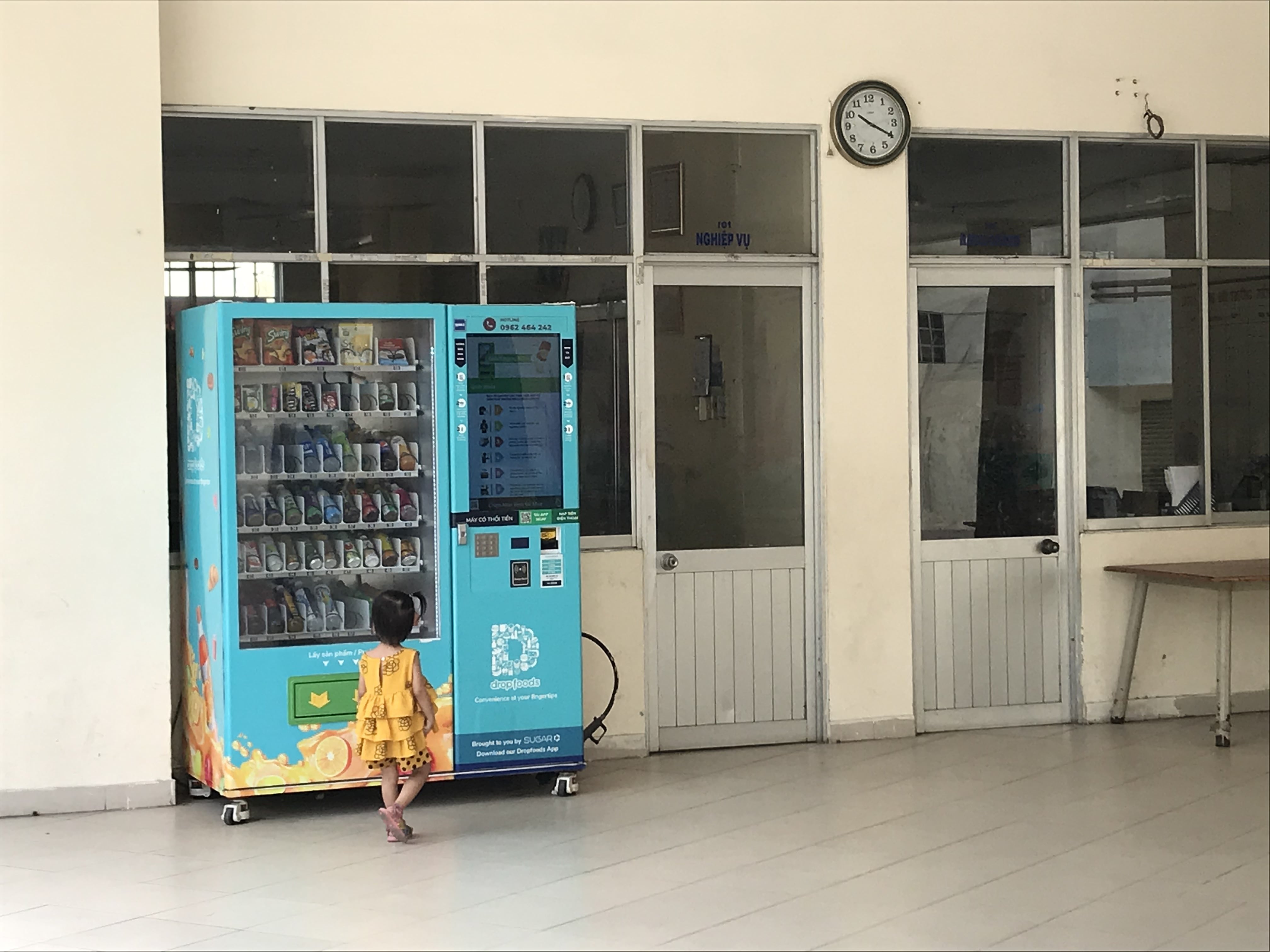
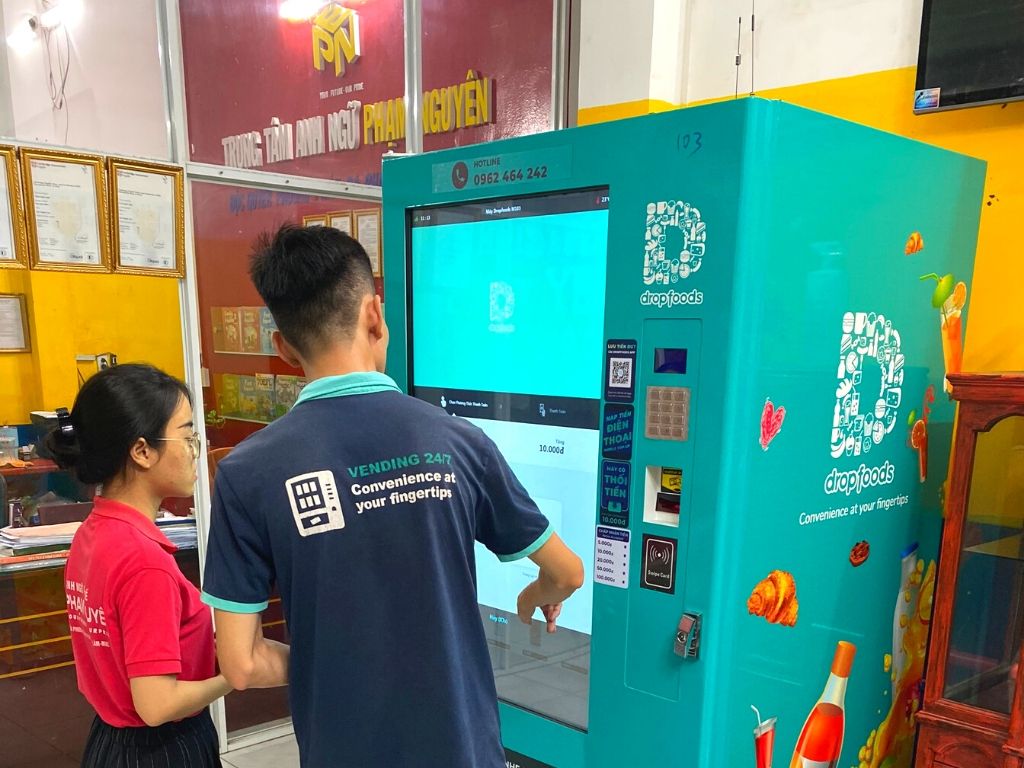
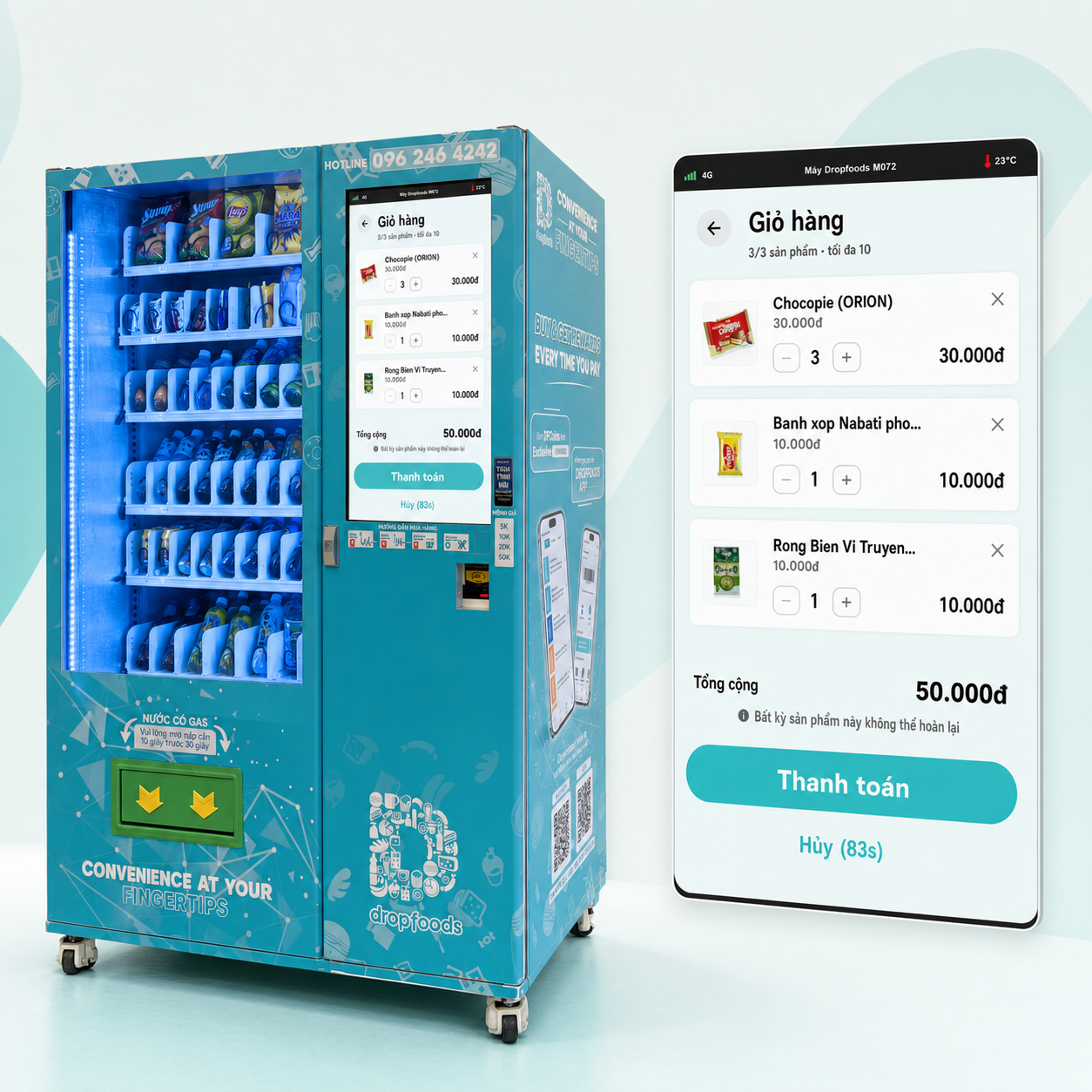
The live Cart interface on a Dropfoods machine: adjust quantities, add products, review the total, and complete a single checkout.
1. Why smart vending needs a shopping cart
One order may include drinks, snacks, or products for several people—users do not always buy just one item.
When every product requires a separate transaction, users repeat the same selection and payment steps. Cart combines those choices into one checkout while still letting users review the full order before paying.
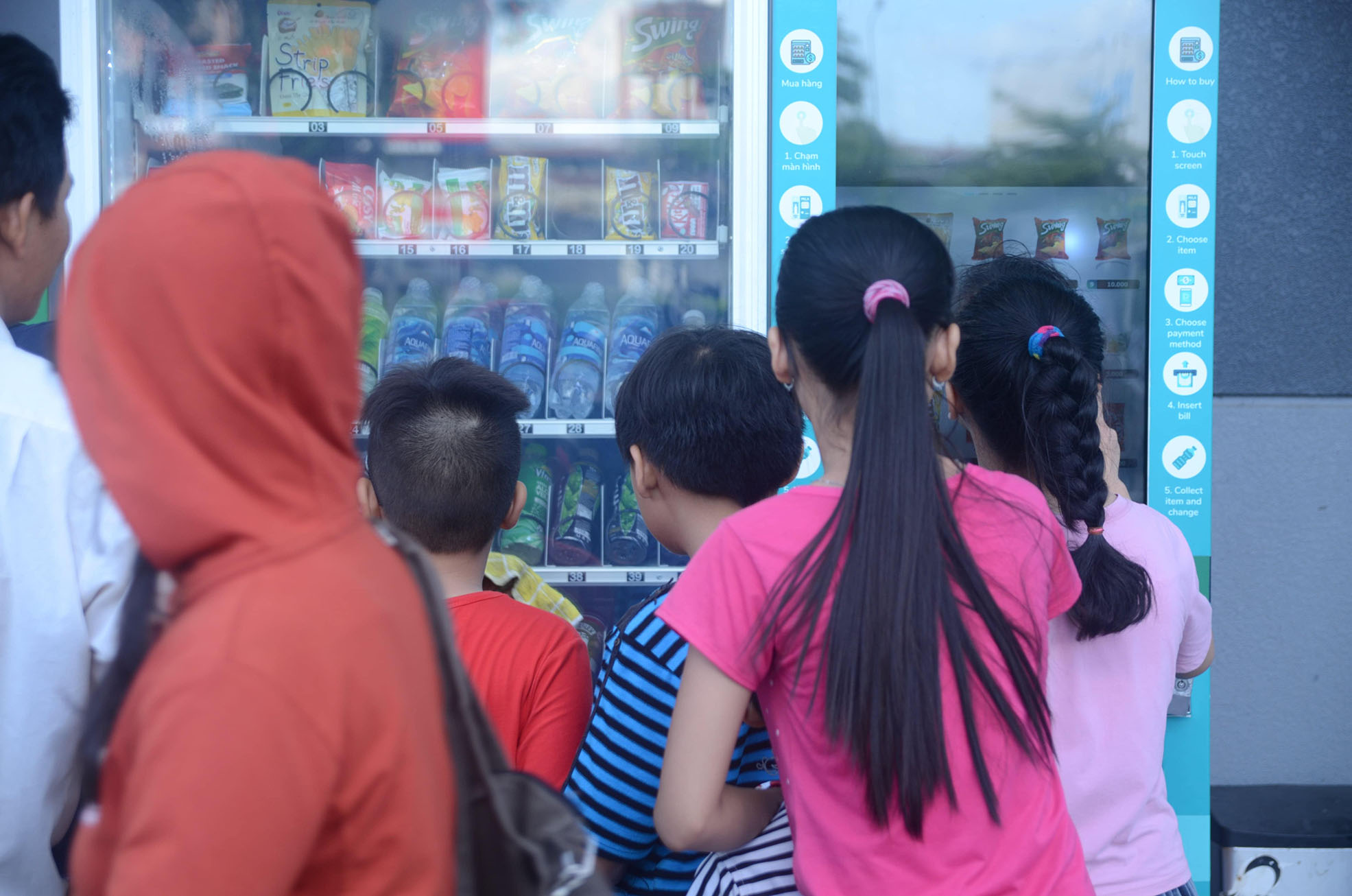
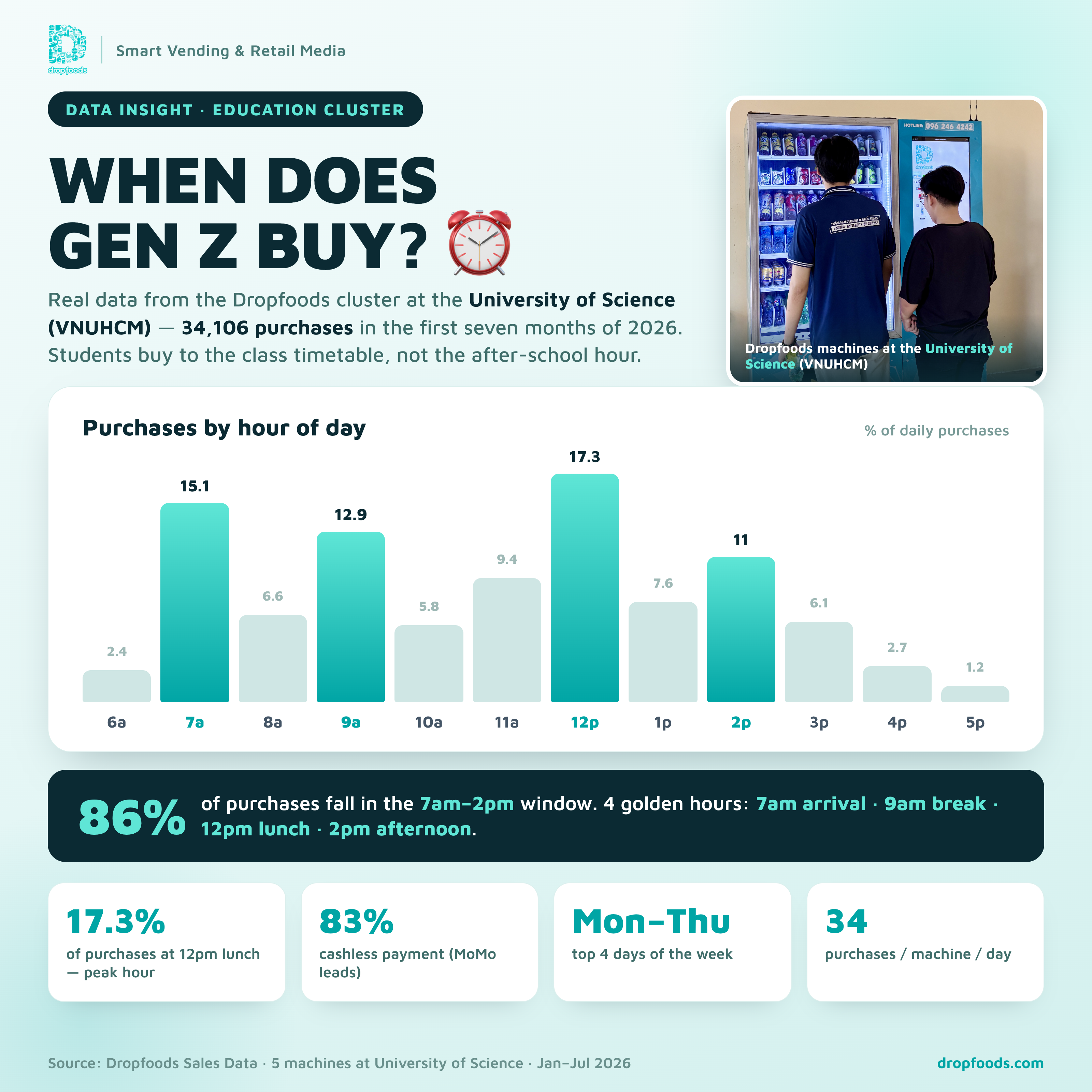
This design is especially useful during peak periods at offices, schools, hospitals, and residential buildings, where users need a fast interaction without losing the ability to review their order.
Fewer repeated steps, clearer confirmation
Cart does more than support multi-item purchases. It creates one review point where the product name, expiry date, quantity, line value, and order total appear before the user selects “Checkout”.
Pay with the Dropfoods App directly from Cart
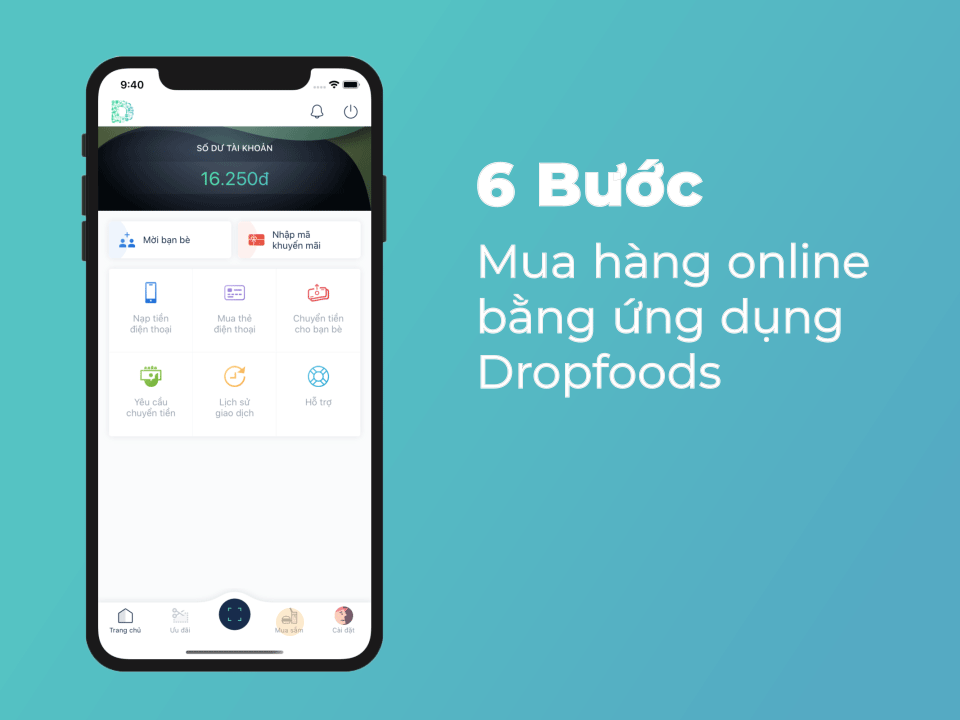
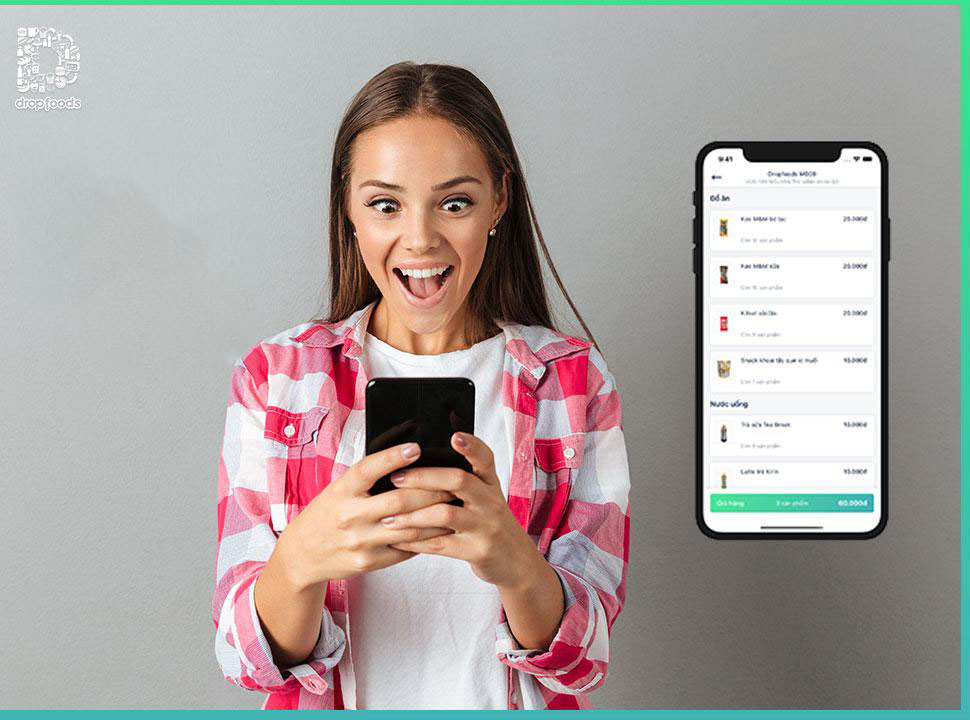
On supported machines, users can select Dropfoods App as the payment method after reviewing Cart. Any promotional programme will be announced separately so users can check the applicable terms.
2. Four steps to use Cart
| Step | Action | Checkpoint |
|---|---|---|
| 1. Select products | Choose the products you want on the machine touchscreen. | Cart records the number of product types and total quantity. |
| 2. Review Cart | Check product names, expiry dates, quantities, and line values. | The full order appears on one screen. |
| 3. Adjust | Use +/– to change quantity, × to remove an item, or “Choose more products” to add another item. | The total updates with each change. |
| 4. Checkout | Review the order total and select “Checkout” to proceed to payment. | The session timer shows the remaining purchase time. |
3. Designed for a touchscreen
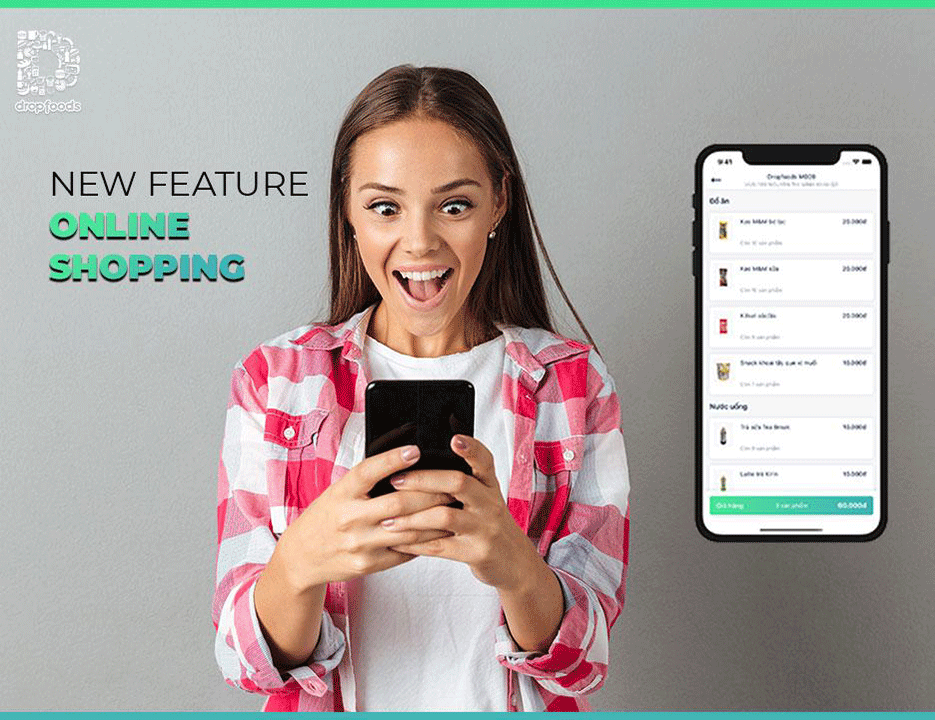
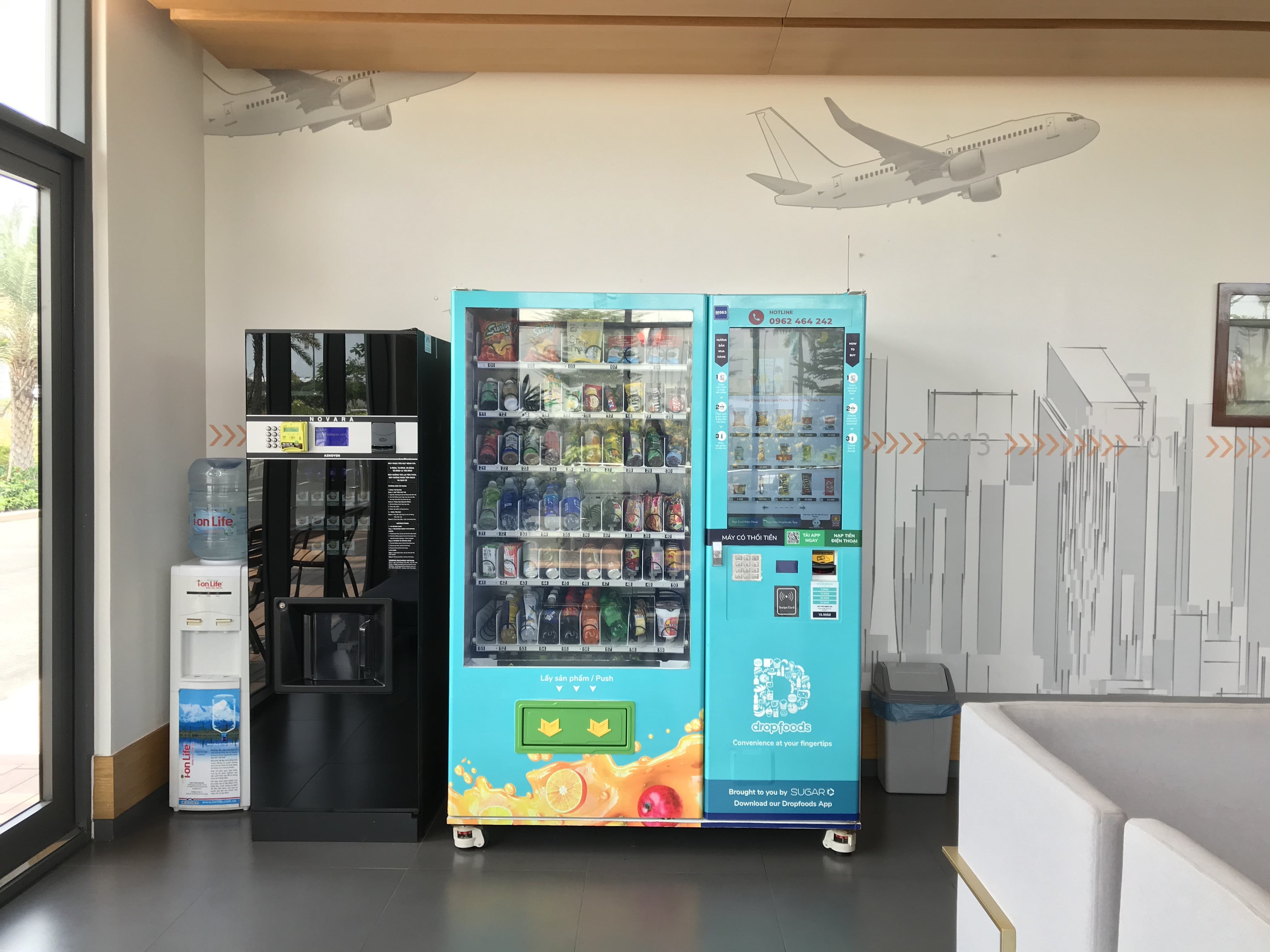
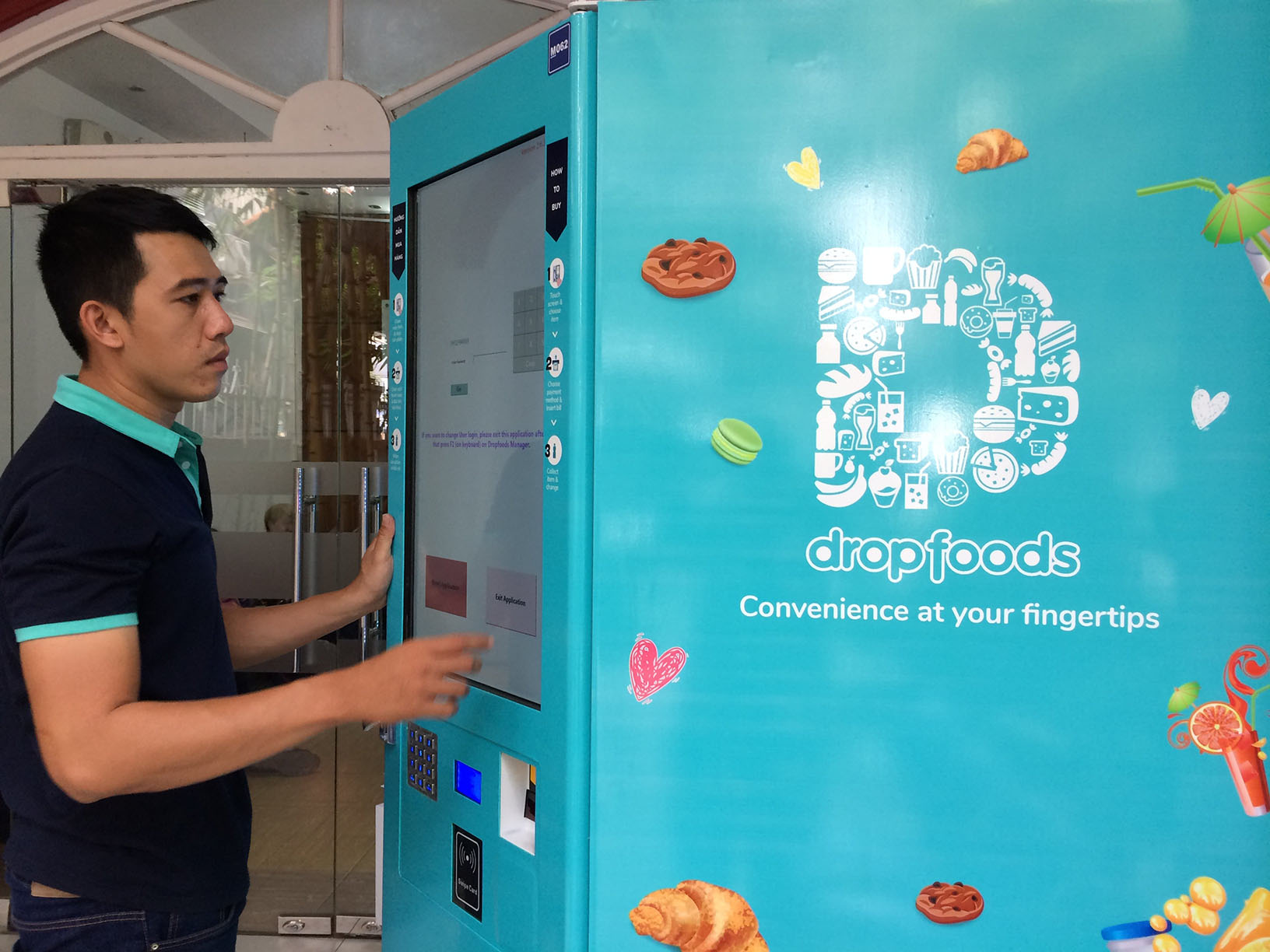
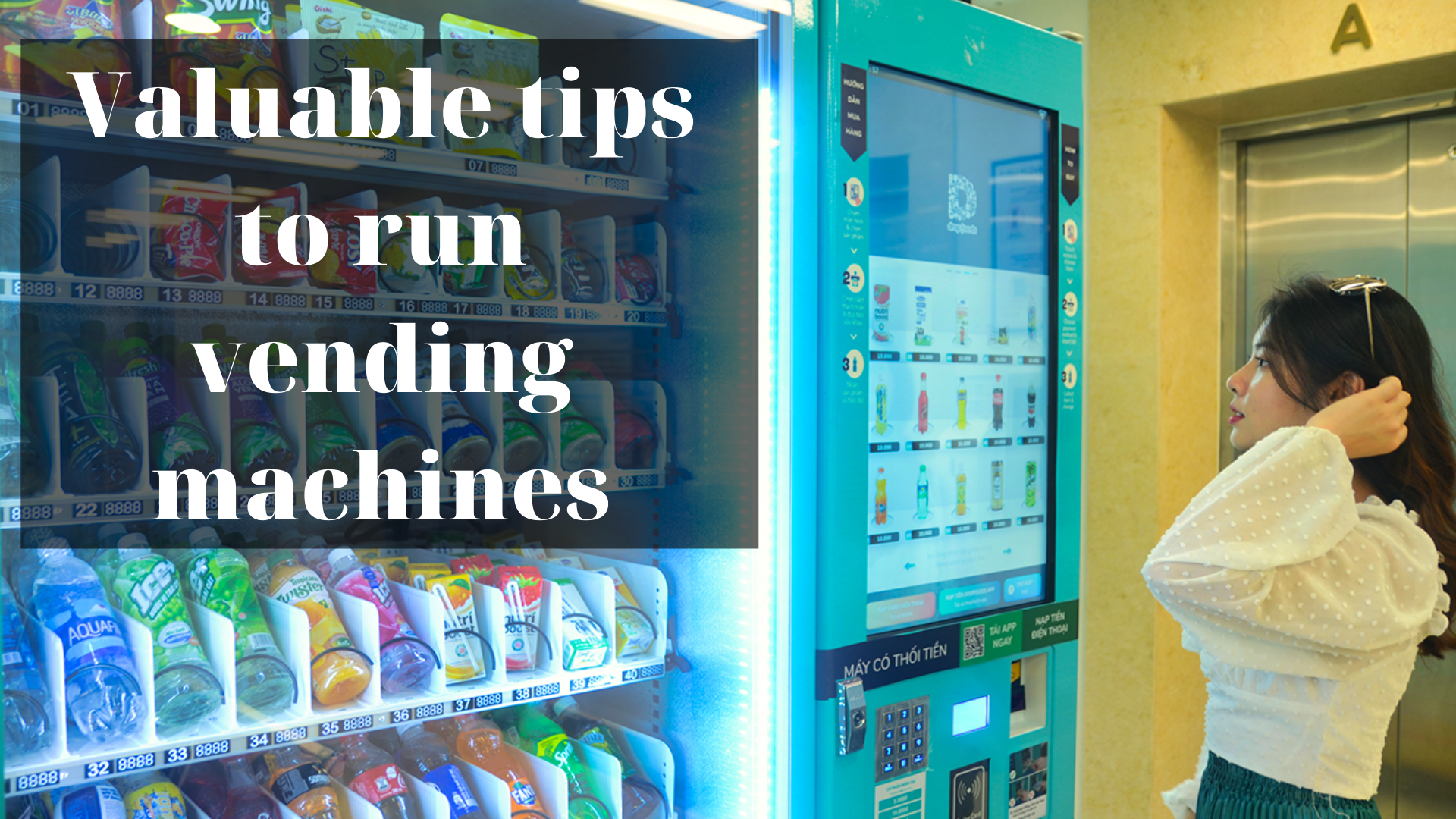
Each product appears on a dedicated card with its image, product name, expiry date, quantity, and corresponding line value. Users can increase or decrease the quantity with +/–, or tap × in the card corner to remove an item from Cart.
The order total and primary actions sit near the bottom of the screen. “Choose more products” returns users to the product list, while “Checkout” proceeds to payment. A “Cancel” label with a countdown shows how much time remains and lets users end the session.
4. Cart is enabled machine by machine
Cart is available only on machines where Dropfoods has enabled the feature. Before starting, users should confirm that Cart appears on the touchscreen and review any programme information displayed at the point of sale.
Machine-level rollout helps Dropfoods control the complete flow: multi-item selection, payment, product dispensing, inventory updates, and error handling. The list of eligible machines will be updated as each rollout phase progresses.
Want a clearer, easier smart vending experience at your location?
Dropfoods combines hardware, software, and operations to build self-service convenience tailored to each venue.
Request a Consultation →Contact Dropfoods Vietnam
Address: 34 Le Duan, Sai Gon Ward, Ho Chi Minh City (Monday-Friday: 8:30 am-5:30 pm)
Hotline: (84) 028 6290 6066
Email: contact@dropfoods.com
Facebook: facebook.com/maybanhangdropfoods
Website: dropfoods.com | dropfoods.com.vn